Waking up the robots...
Fetching your gear.

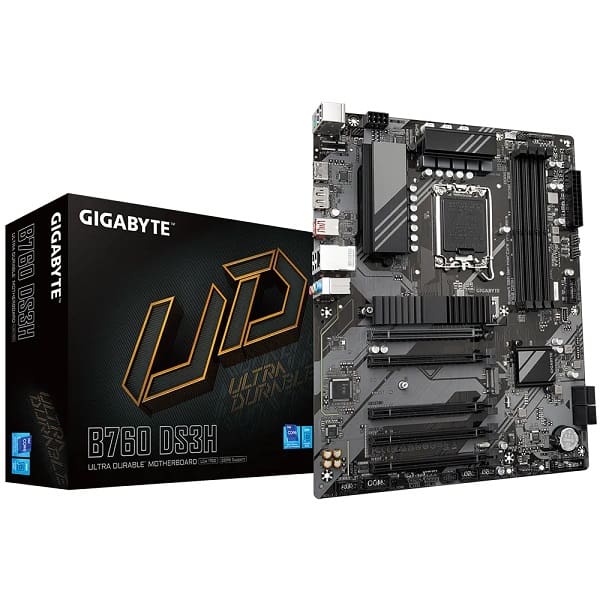
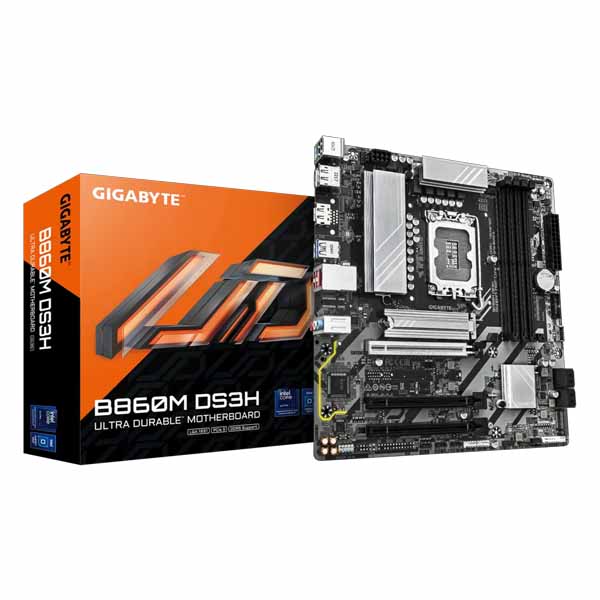
SKU: B760M-DS3H
users viewing this item right now
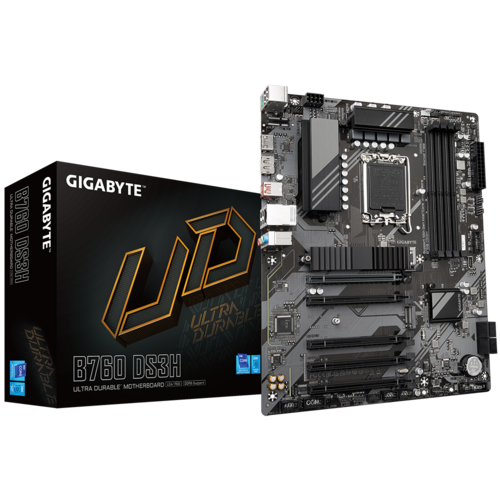
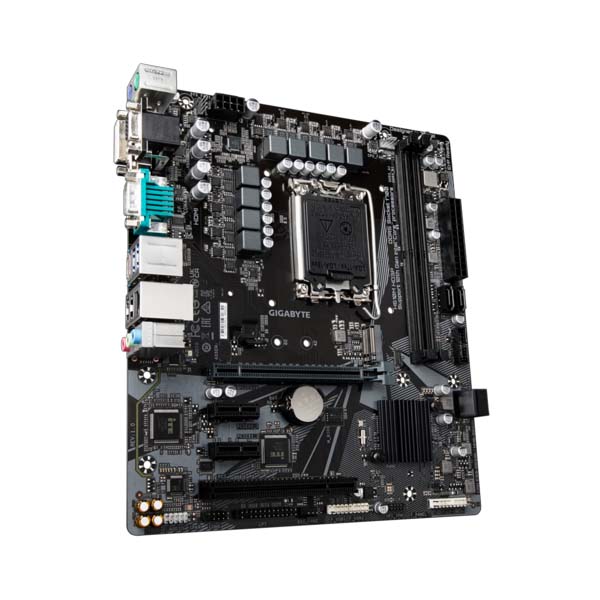
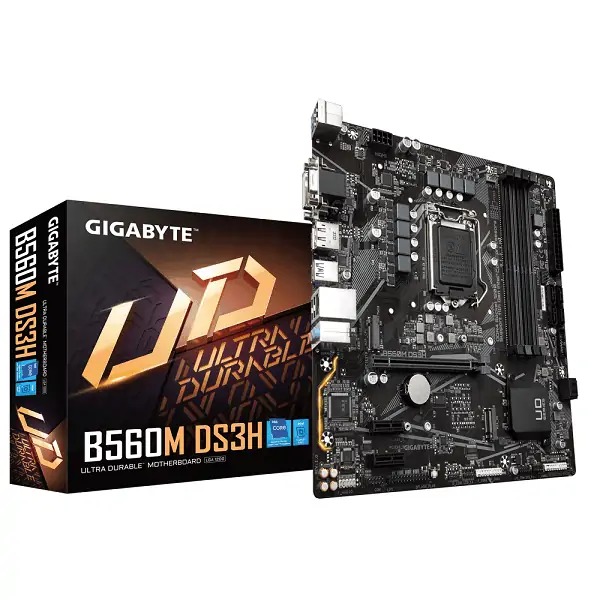
With the fast-moving technology changes, GIGABYTE always follows the latest trends and provides customers with advanced features and latest technologies. GIGABYTE B760 DS3H motherboards are equipped with upgraded power solution, latest storage standards and outstanding connectivity to enable optimized performance for gaming.
- 8+2+1 Phases Low RDS(on) MOSFETs - Premium Choke and Capacitors to improve transient response and minimize oscillation GIGABYTE B760 DS3H Motherboards are ready to work with the PCIe 4.0 devices which are expected to experience triple bandwidth than the current PCIe 3.0 devices. To reach the high speed and maintain good signal integrity, GIGABYTE R&D uses the low impedance PCB to provide the maximum performance.
All memory routing is under the PCB inner layer shielded by a large ground layer to protect from external interference.
By optimizing memory trace width, length and style from HPC simulation to actual implementation, overall impedance is lowered between CPU memory controller and memory modules to achieve higher DDR4 speed.
Server grade mid-loss or low-loss PCB material is chosen to lower signal loss inside PCB and maintain DDR4 high speed signal transmission.
PerfDrive technology integrates multiple GIGABYTE exclusive BIOS settings to allow users to balance between different levels of performance, power consumption, and temperature according to their needs easily when using 13th gen Intel® Core™ processors.
GIGABYTE B760 DS3H Motherboards enable the ultimate connection experience with blazing data-transfer speeds through the next generation network, storage
GbE LAN features a network bandwidth management application which helps to improve network latency and maintain low ping times to deliver better responsiveness in crowded LAN environments.
Featuring the USB 3.2 Gen 2x2 design which is doubled the performance than previous generation of USB 3.2 Gen 2. It works up to 20Gbps ultra-fast data transfer while connecting to USB 3.2 compliant peripherals. Through the USB Type-C® connector, users can enjoy the flexibility of reversible connection to access and store massive amounts of data rapidly.
GIGABYTE B760 DS3H motherboards use high-end audio capacitors. These high quality capacitors help deliver high resolution and high fidelity audio to provide the most realistic sound effects for gamers.
GIGABYTE B760 DS3H motherboards feature an audio noise guard that essentially separates the board’s sensitive analog audio components from potential noise pollution at the PCB level.
Now offering more LED customizations than ever, users can truly adapt their PC to represent their lifestyle. With full RGB support and a redesigned RGB Fusion 2.0 application, the user has complete control over the LEDs which surround the motherboard.
The EASY MODE shows important hardware information in one page including CPU clock, Memory, Storage, Fan.
Add constantly used items into the favorite menu for quick access.
Show all kinds of storage information including SATA, PCIE and M.2 interface.
List all changes before saving and exiting bios. Quickly review overall settings modification.
Clearly show each loadline calibration setting in an intuitive curve graph. GIGABYTE CONTROL CENTER (GCC) is a unified software for all GIGABYTE supported products. It provides newly designed intuitive user interface to control all essential function. - Unified software platform for all Gigabyte supported products - Intuitive user interface for an eased experience - Modularized control components only for installed hardware - Auto update function to keep system up to date and support future products
A multi-function reset button that can be reconfigured to other function in BIOS for different user scenarios.
Turn off all lighting effect on motherboard.
Boot into BIOS menu directly without pressing any keyboard button.
Boot into BIOS safe mode to change specific option without losing other BIOS settings.
Unlock the latch of the PCIe slot easily when remove the graphics card in the PCIe slot.
Update the BIOS easily without installing the CPU, memory and graphics card. With GIGABYTE Q-Flash Plus, you dont need to install the CPU, memory and graphics card nor enter the BIOS menu to flash the BIOS. Just download and save a new BIOS file (rename to gigabyte.bin) on the USB flash drive, then press the dedicated Q-Flash Plus button and you’re good to go!
No reviews yet for this product.
No questions have been answered yet.
You might also love these hardware gear upgrades
Waking up the robots...
Fetching your gear.