Waking up the robots...
Fetching your gear.

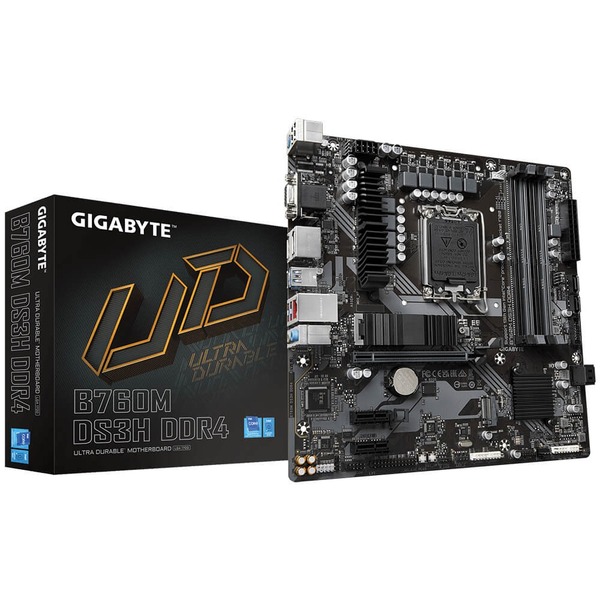
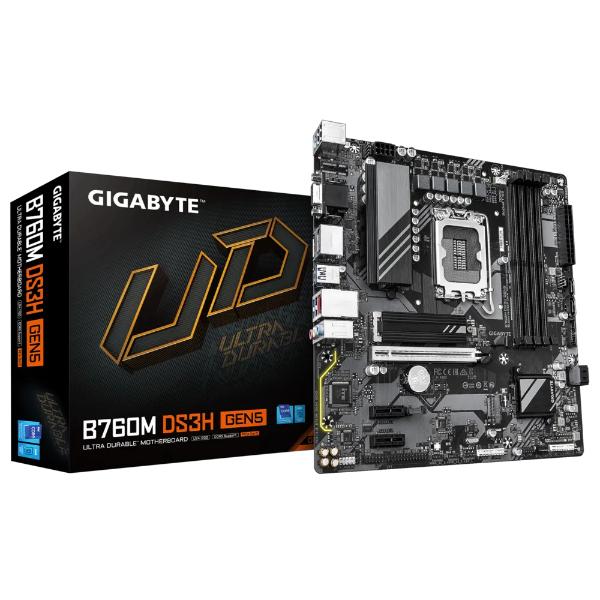
SKU: B760M-DS3H-DDR4-rev-10
users viewing this item right now
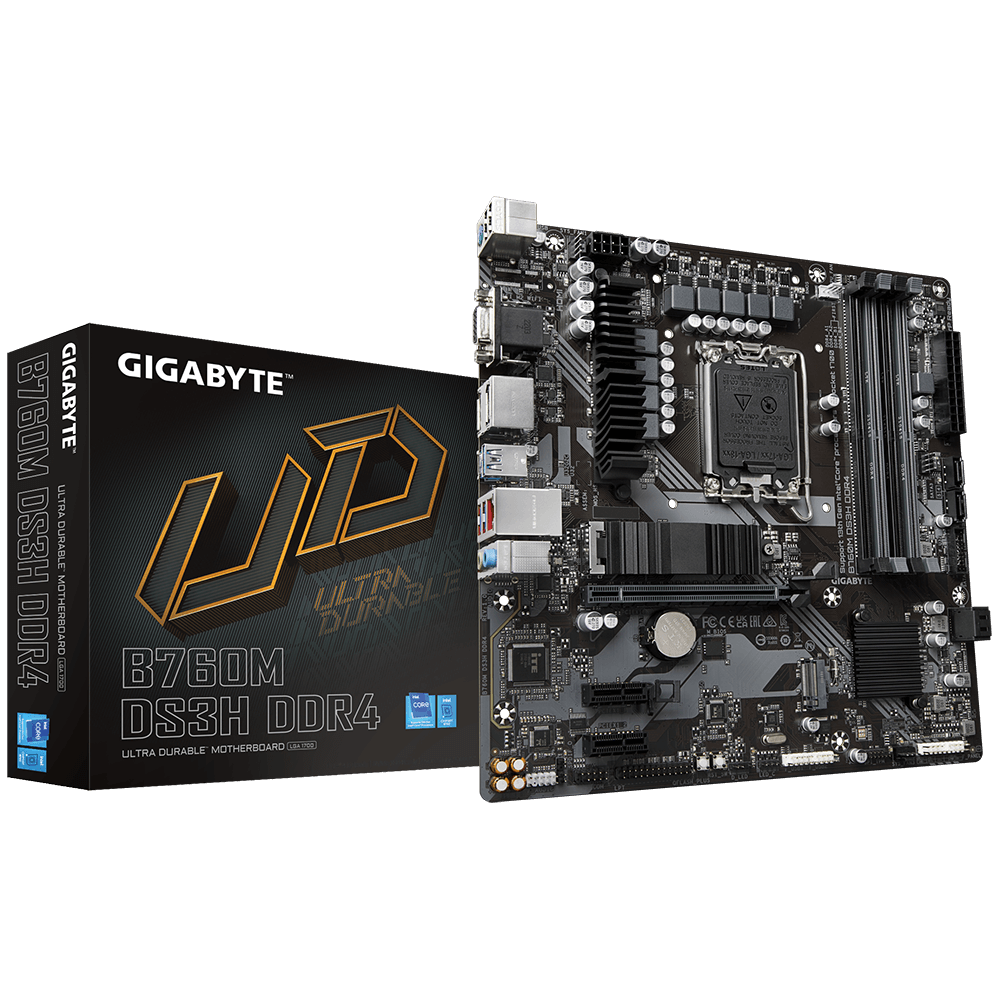
GIGABYTE B760M DS3H Motherboards are ready to work with the PCIe 4.0 devices which are expected to experience triple bandwidth than the current PCIe 3.0 devices. To reach the high speed and maintain good signal integrity, GIGABYTE R&D uses the low impedance PCB to provide the maximum performance.
GIGABYTE B760M DS3H is offering a tested and proven platform that ensures proper compatibility with profiles up to 5333MHz and beyond. All users need to do to attain this performance boost is to ensure that their memory module is XMP capable and that the XMP function is activated and enabled on their GIGABYTE otherboard.
With new Intel Hybrid technology, GIGABYTE exclusively creates two new “CPU Upgrade” in BIOS profiles to meet different users’ scenarios by adjusting P-Core and E-Core activation and voltage policy.
With durability in mind, GIGABYTE provides a thermal solution for M.2 SSD devices. The M.2 Thermal Guard prevents throttling and bottlenecks from high speed M.2 SSDs as it helps to dissipate heat before it becomes an issue.
Smart Fan 6 contains several unique cooling features that ensure gaming PC maintain its performance while staying cool and quiet. Multiple fan headers can support PWM/DC fan and pump, and users can easily define each fan curve based on different temperature sensors across the board via intuitive user interface.
GIGABYTE Motherboards enable the ultimate connection experience with blazing data-transfer speeds through the next generation network and storage.
GIGABYTE motherboards bundle several useful and intuitive software to help users to control every aspect of motherboard and provide customizable lighting effect with outstanding aesthetics to fit your unique personality.
With GIGABYTE Q-Flash Plus, you don’t need to install the CPU, memory and graphics card nor enter the BIOS menu to flash the BIOS. Just download and save a new BIOS file (rename to gigabyte.bin) on the USB flash drive, then press the dedicated Q-Flash Plus button and you’re good to go!
No reviews yet for this product.
No questions have been answered yet.
You might also love these hardware gear upgrades
Waking up the robots...
Fetching your gear.