Waking up the robots...
Fetching your gear.

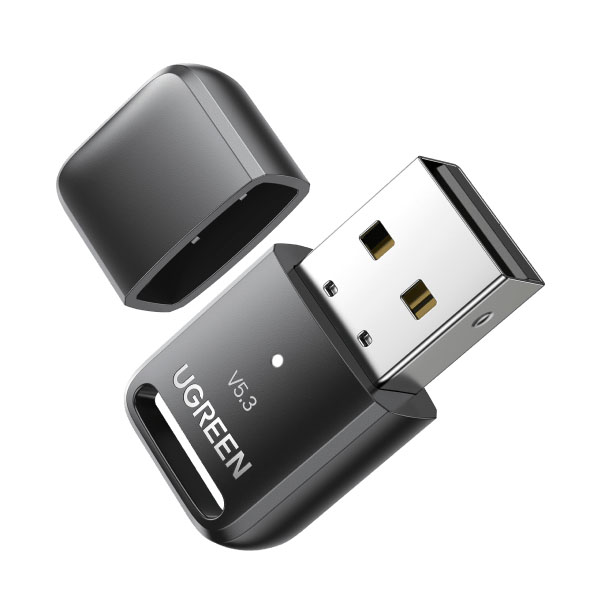
SKU: 90225
users viewing this item right now
Ugreen USB Bluetooth 5.3 Adapter for PC
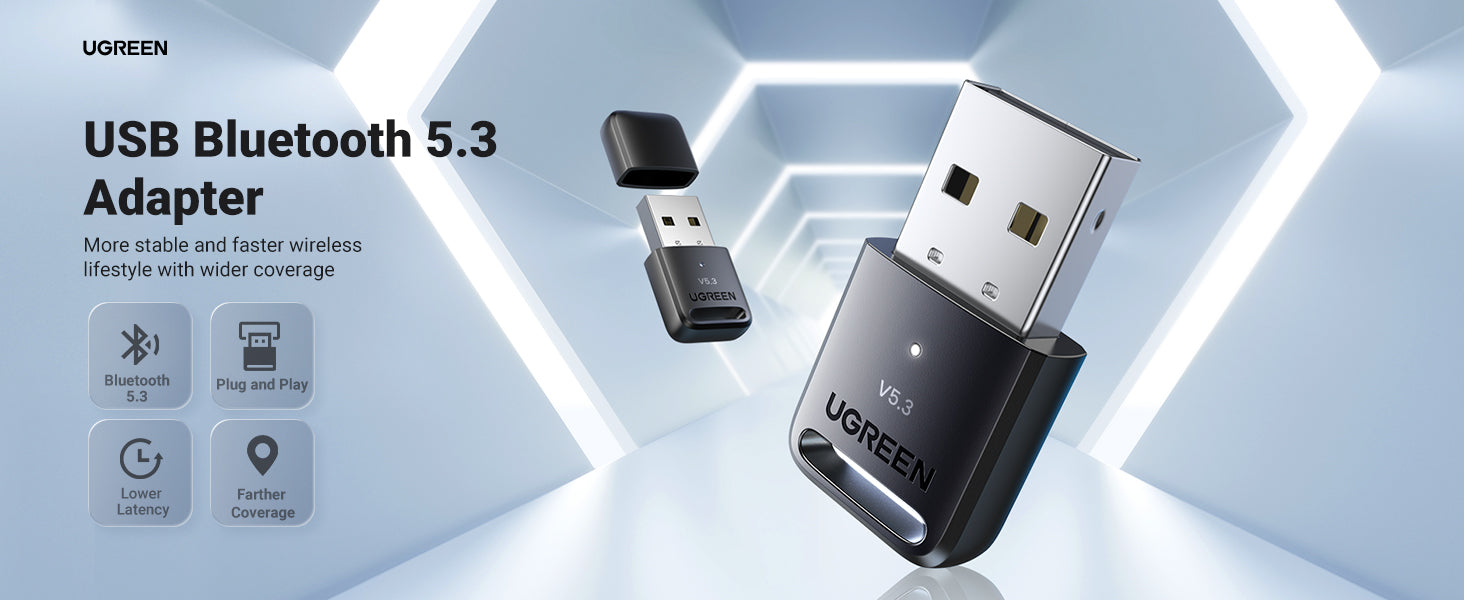
 Q1: Please disable/uninstall any Bluetooth related devices and reboot your PC before using the UGREEN 5.3 Bluetooth adapter. 1. Press Win + X and select Device Manager from the menu options. 2. Expand the Bluetooth option by double-clicking on it. 3. Right-click your PC's Bluetooth driver and select Disable device. 4. Restart your PC when you finish. Q2: What can I do to reduce the disconnecting and frozen issue? 1. Connect the adapter directly to the computer's USB 2.0 port without using any convertor. 2. Use the adapter in an environment without obstacles such as walls.

No reviews yet for this product.
No questions have been answered yet.
You might also love these hardware gear upgrades
Waking up the robots...
Fetching your gear.