Waking up the robots...
Fetching your gear.

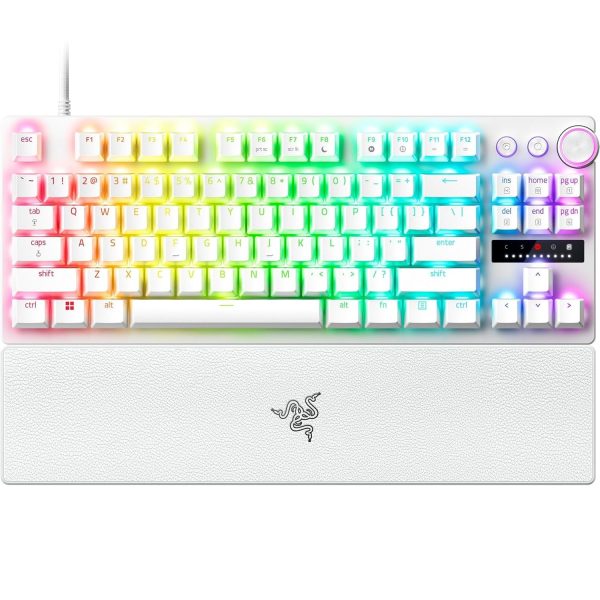
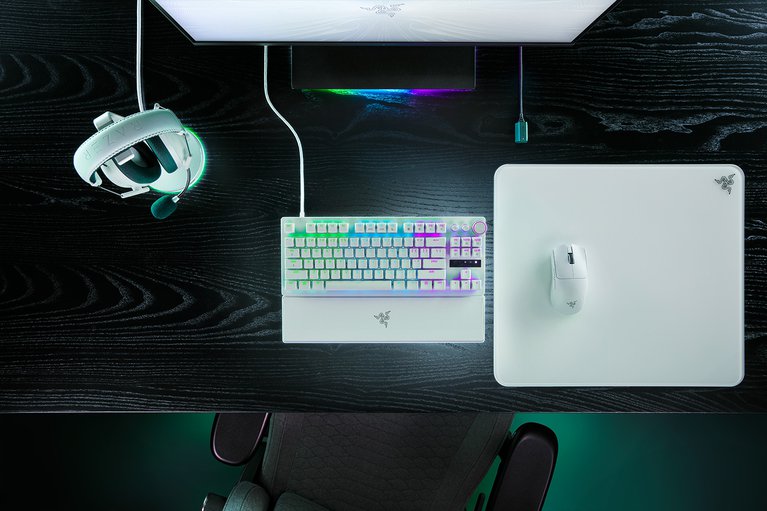
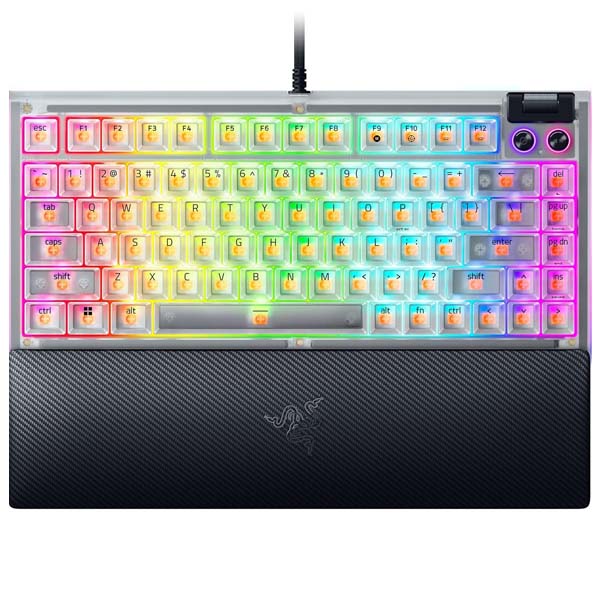
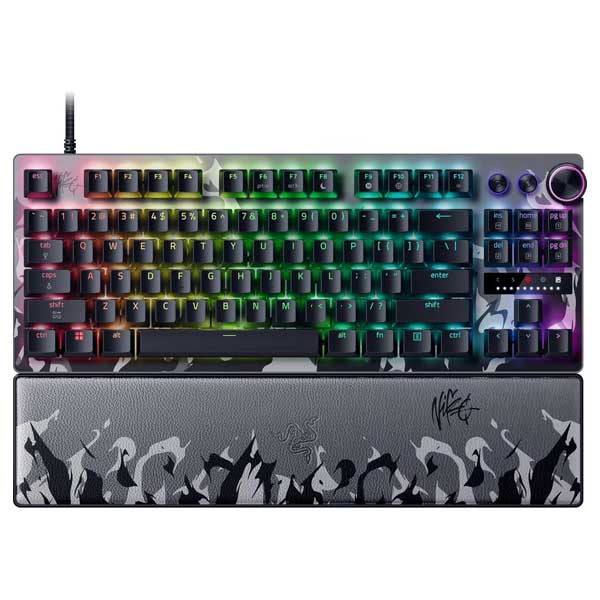
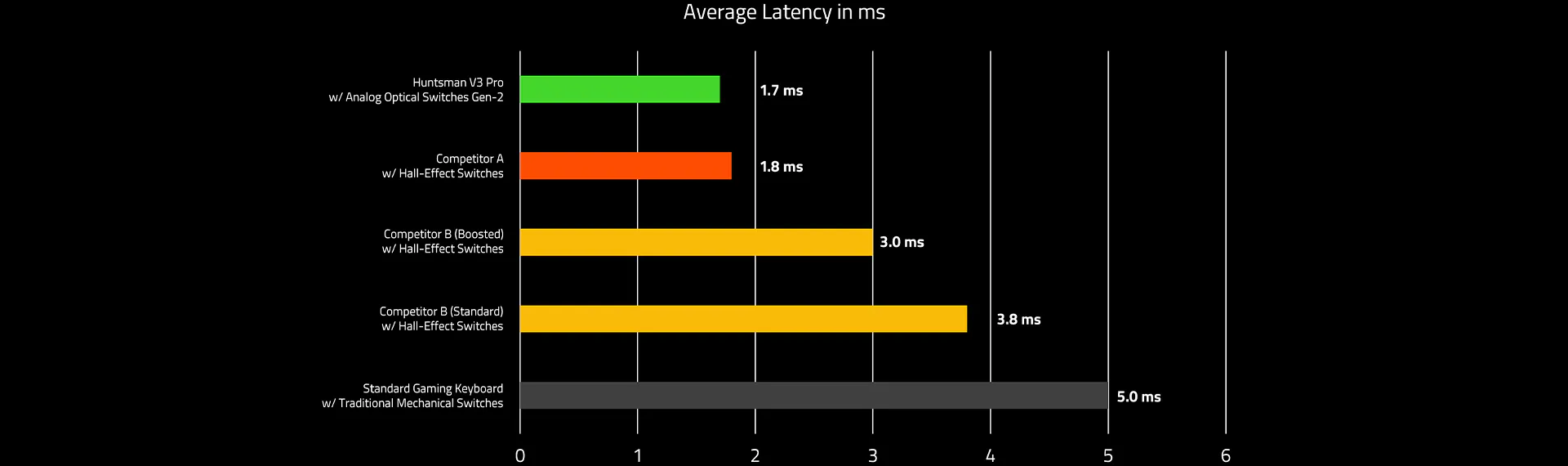
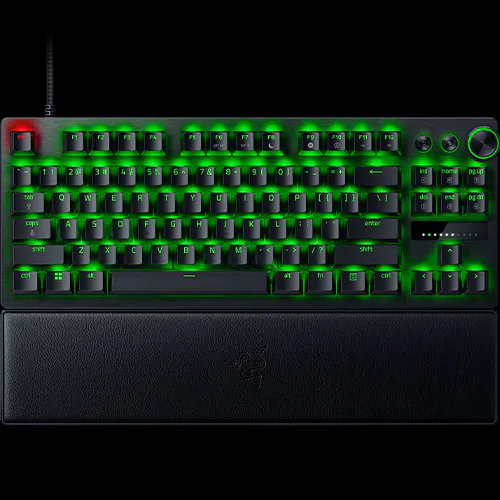
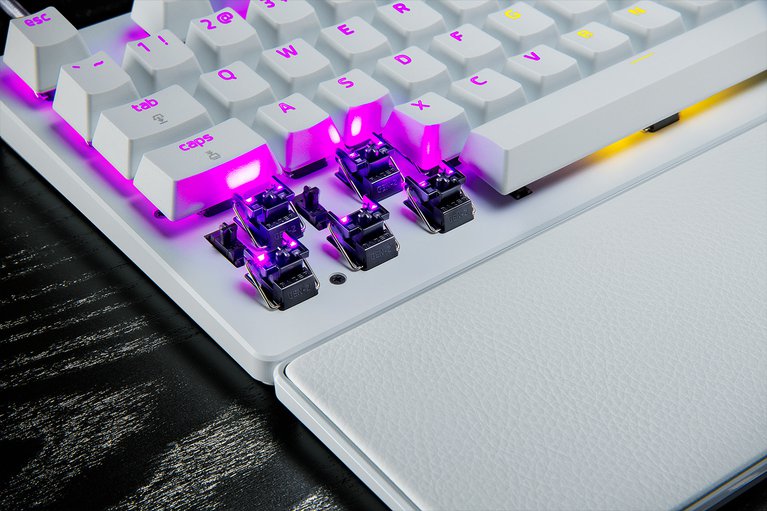
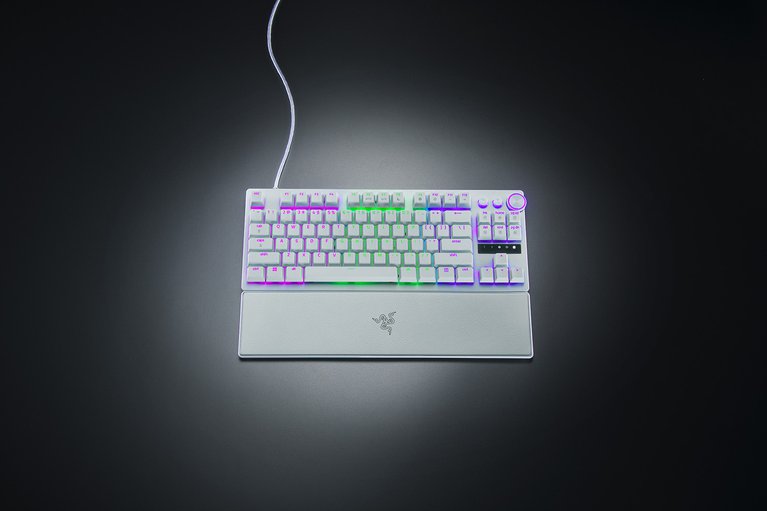
Embrace a new standard of speed with the Razer Huntsman V3 Pro Tenkeyless. Sporting a leaner TKL keyboard layout for seamless competitive play, get the edge for esports with our latest analog optical switches, featuring adjustable actuation and Rapid Trigger Mode for ultra-fast repeated inputs. 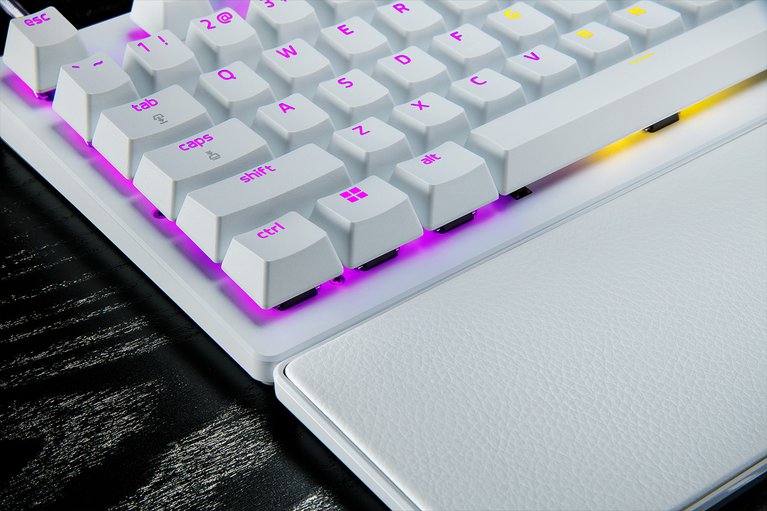
Max out on precision and response with a TKL keyboard featuring our most advanced switches, including Rapid Trigger for ultra-fast repeated inputs, a 0.1 to 4.0 mm adjustable actuation range, and a 100-million keystroke lifespan.

Instead of a fixed reset point, keys reset instantly with an upward motion as low as 0.1 mm. This allows for faster repeated keystrokes compared to standard keyboards, which significantly enhances in‑game responsiveness
Prioritize the latest input between two selected keys without having to release the previous one. Enjoy more responsive inputs for near-instant directional changes. Snap Tap is OFF by default and can be toggled ON/OFF via Razer Synapse or using the hotkey FN + Left Shift. 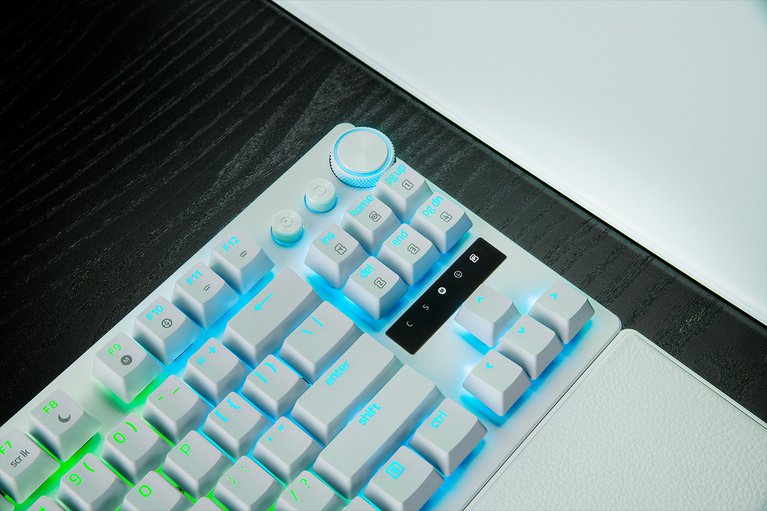
Supporting a full range of actuation from 0.1 to 4.0 mm, customize the switches to be as sensitive as you want and achieve a setting that best suits your playstyle.
Enjoy greater response with a lighter actuation force that lets you play and react quicker than ever before. From counter-strafing to aiming to dodging, gain a split-second advantage you need to come out on top in every exchang
Make precise, on-the-fly adjustments to actuation height or Rapid Trigger sensitivity with the visual aid of an onboard LED array. Save the settings to the keyboard and get access to greater customization through Razer Synapse.

Simply hit FN + Tab to begin adjusting the keyboard’s actuation point. Next, press any key to test its actuation height and use the digital dial or arrow keys to adjust accordingly. Press Esc to exit the mode and save your settings to the onboard memory.

Simply hit FN + Caps Lk to begin adjusting Rapid Trigger settings and press Caps Lk to toggle Rapid Trigger Mode on or off. Next, press any key to test your current Rapid Trigger settings and use the digital dial or arrow keys to adjust accordingly. Press Esc to exit the mode and save your settings to the onboard memory.

Simply hit FN + Left Shift to immediately toggle Snap Tap. The A and D keys are paired to this mode by default. Paired keys will light up white when Snap Tap is on and light up red when Snap Tap is off.
Manage it all right at your fingertips with a dedicated dial for volume and analog switch settings, backed by a pair of buttons for media control and custom macros.
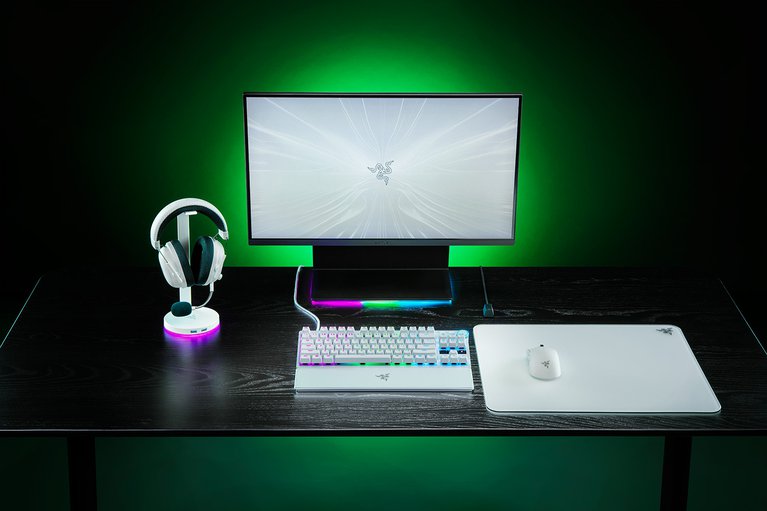
Made to withstand the wear and tear of intense competitive play, their shine-resistant design and fadeproof legends offer a degree of durability superior to regular keycaps.

Get more room to maneuver your mouse with a streamlined TKL keyboard layout that can also take a punishment, thanks to a solid, warp-resistant casing fitted with a brushed aluminum top plate.
Designed to seamlessly snap to the keyboard, the leatherette wrist rest provides firm ergonomic support for your wrists—especially vital for long periods of training and competition.
Get up to 2 years of warranty and access reliable tech support. Purchase directly from RazerStore and get 14 days risk‑free returns.
No reviews yet for this product.
No questions have been answered yet.
You might also love these hardware gear upgrades
Waking up the robots...
Fetching your gear.