
Waking up the robots...
Fetching your gear.

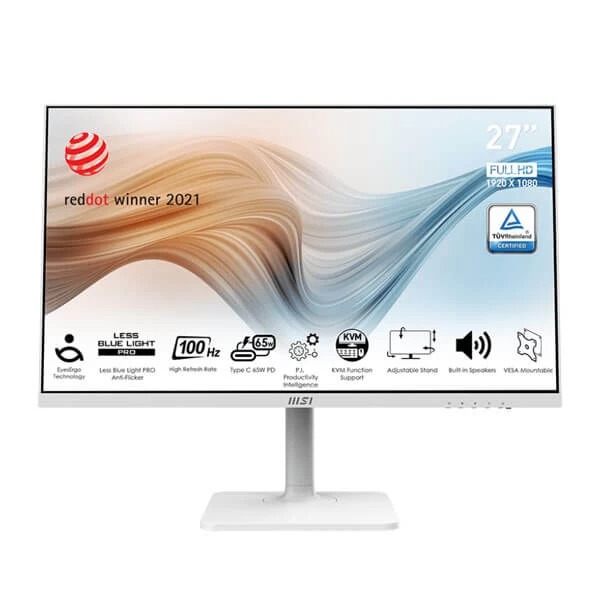
SKU: MODERN-MD272XPW
users viewing this item right now
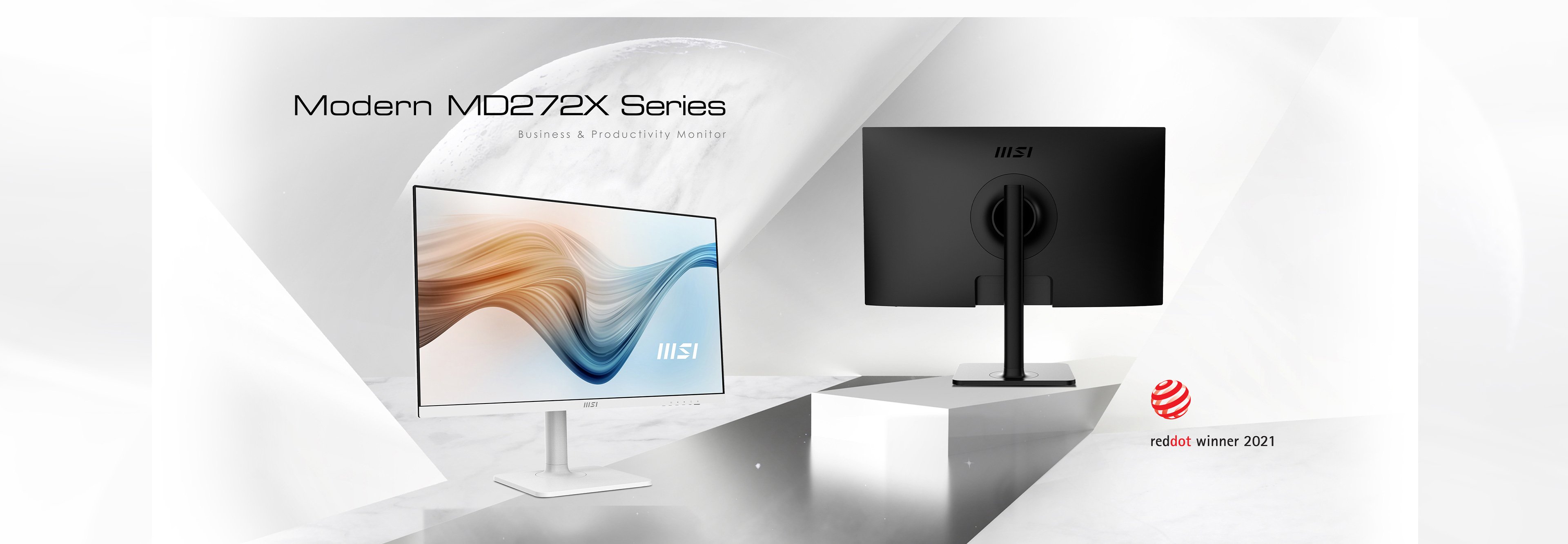
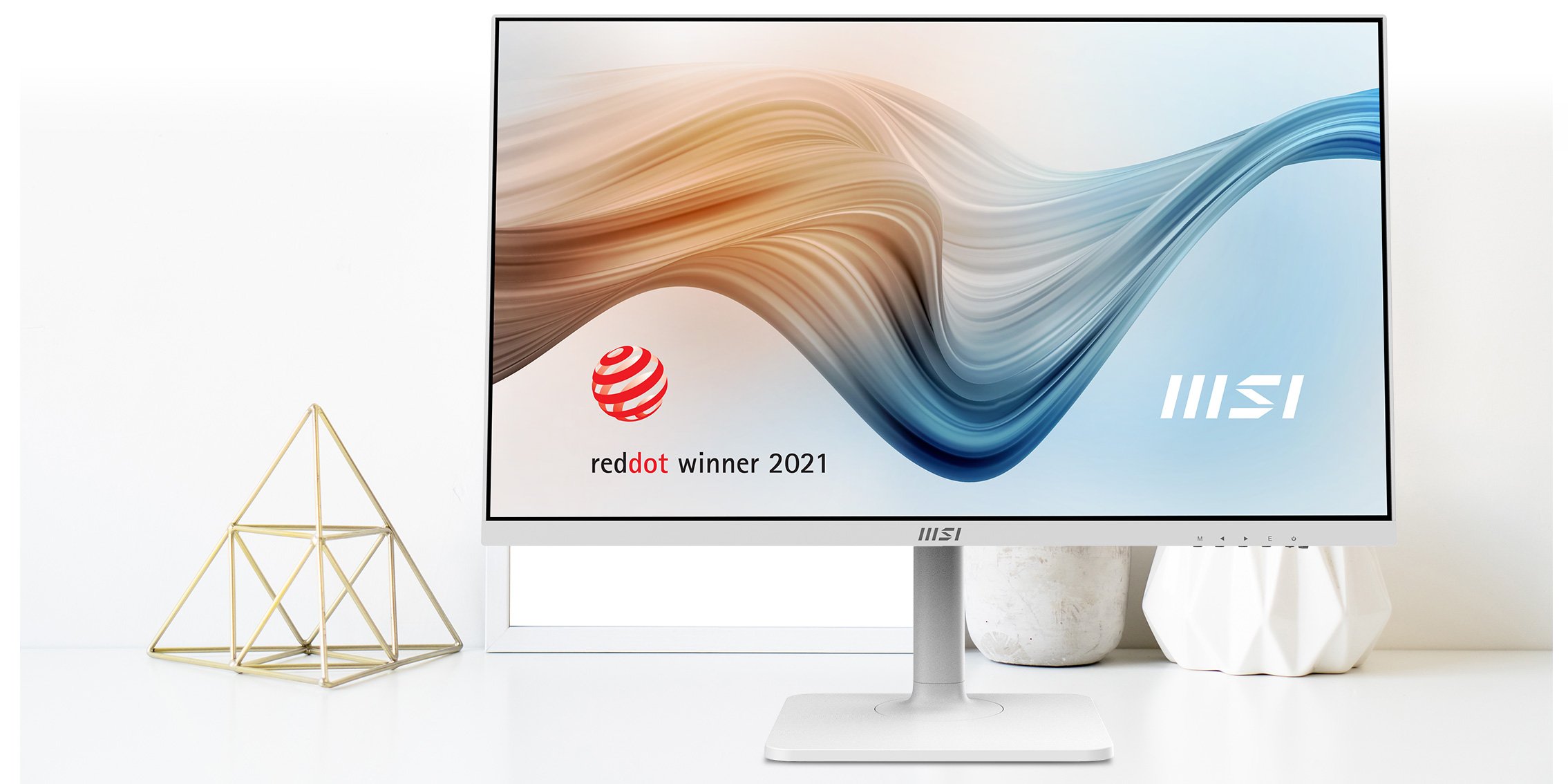
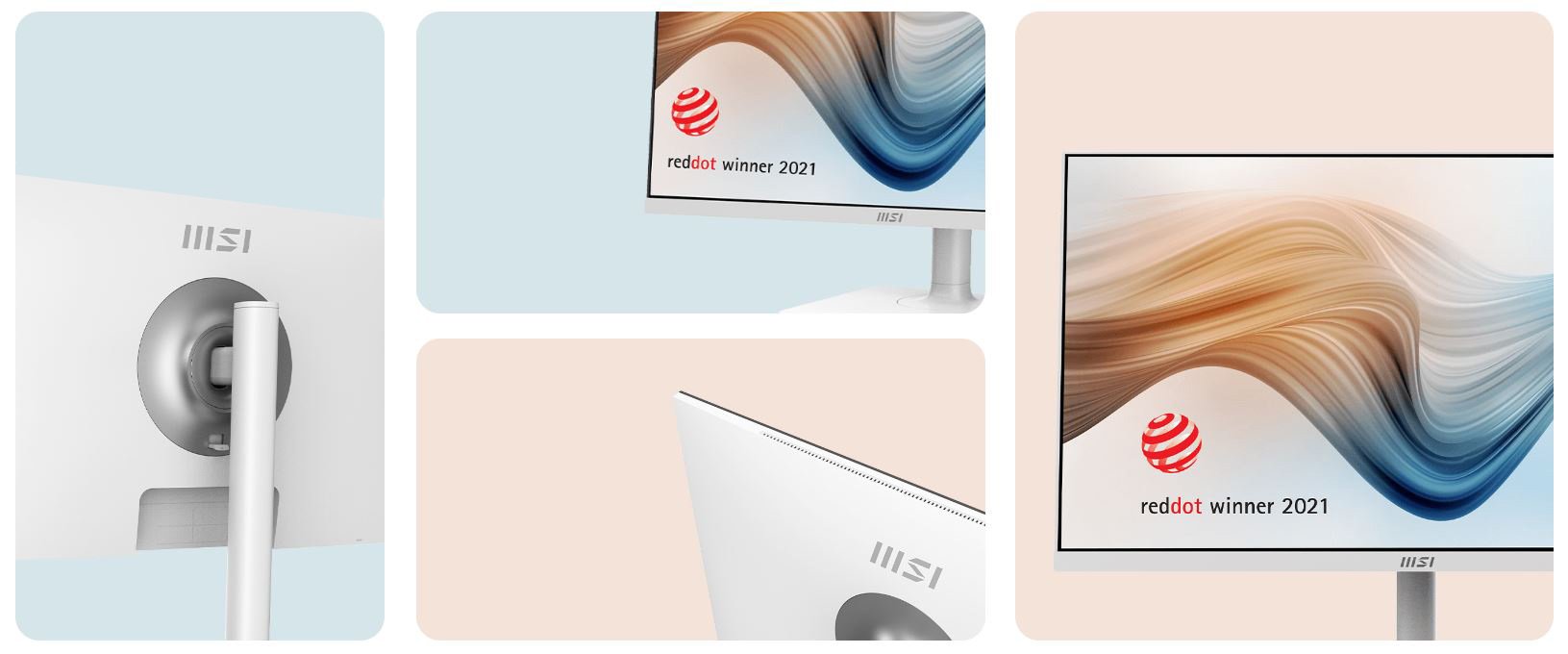
With an elegant, graceful, and sleek exterior design, Modern MD272X Series has a minimalistic look that looks great in any space and desk. It is a piece of elegant furniture & decoration in any space instead of a monitor.
Take Control with Productivity Intelligence (P.I.)
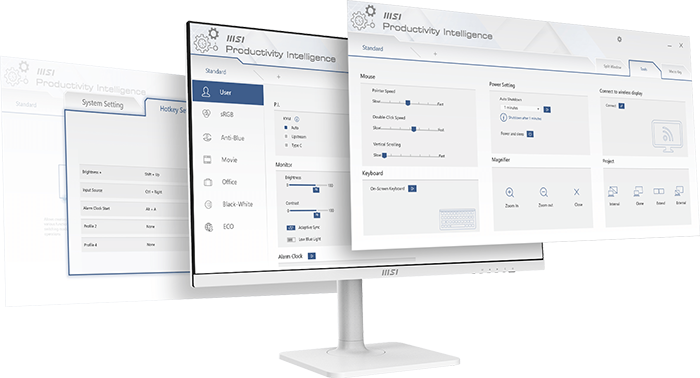

* Please download the latest P.I. from support page
Enhance the daily work experience by providing cutting-edge tools such as KVM functionality, color & display modes.

Elevate your productivity and experience a smarter lifestyle with the MSI Productivity Intelligence (P.I.) app. This exclusive tool offers innovative features and efficient functions to enhance your daily workflow effortlessly.
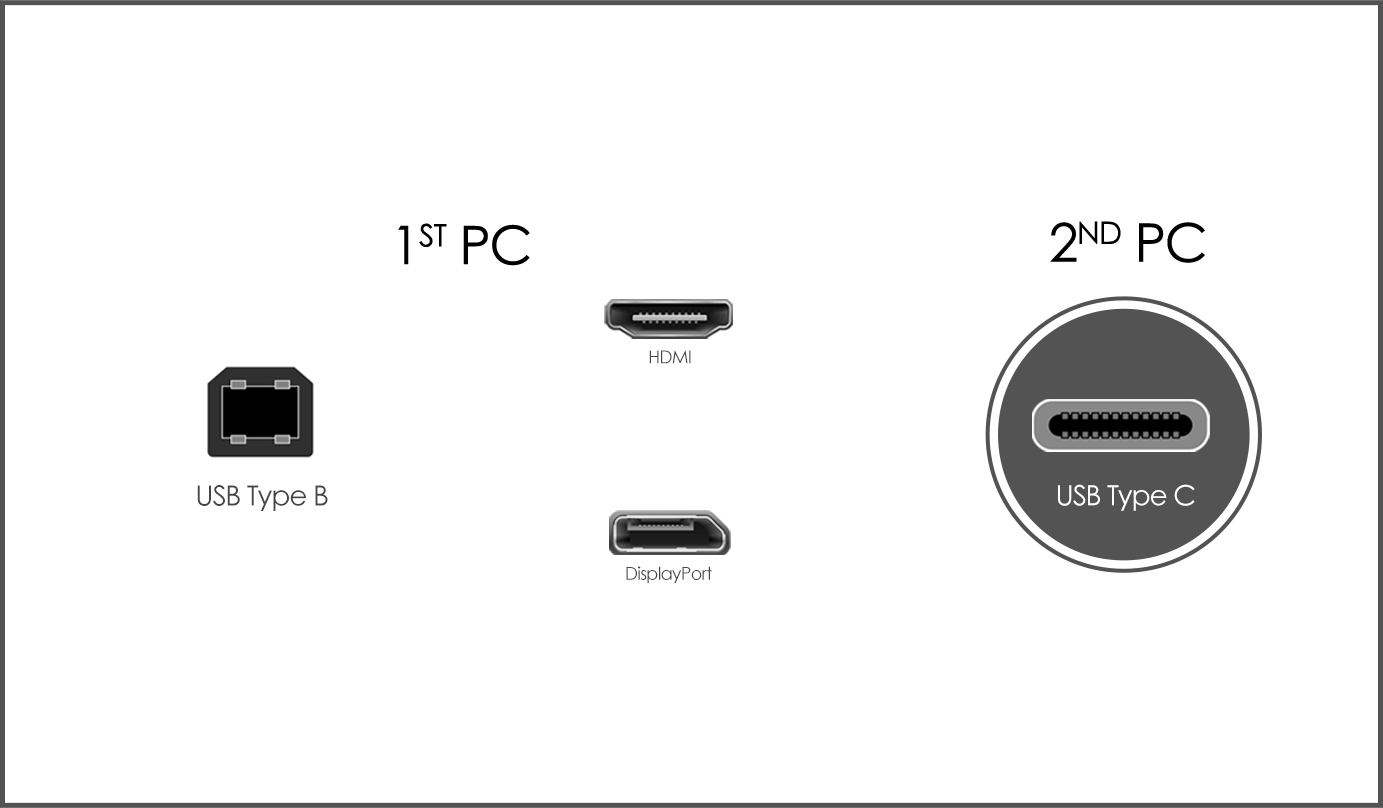
To get the most out of Productivity Intelligence App, connect the USB Type B to A port of the first computer to the port of Modern MD272, followed by the HDMI or DP port. Experience the ease and efficiency of using KVM with a second computer or laptop that has a USB Type C port capable of supporting both display and data transmission functions simultaneously.
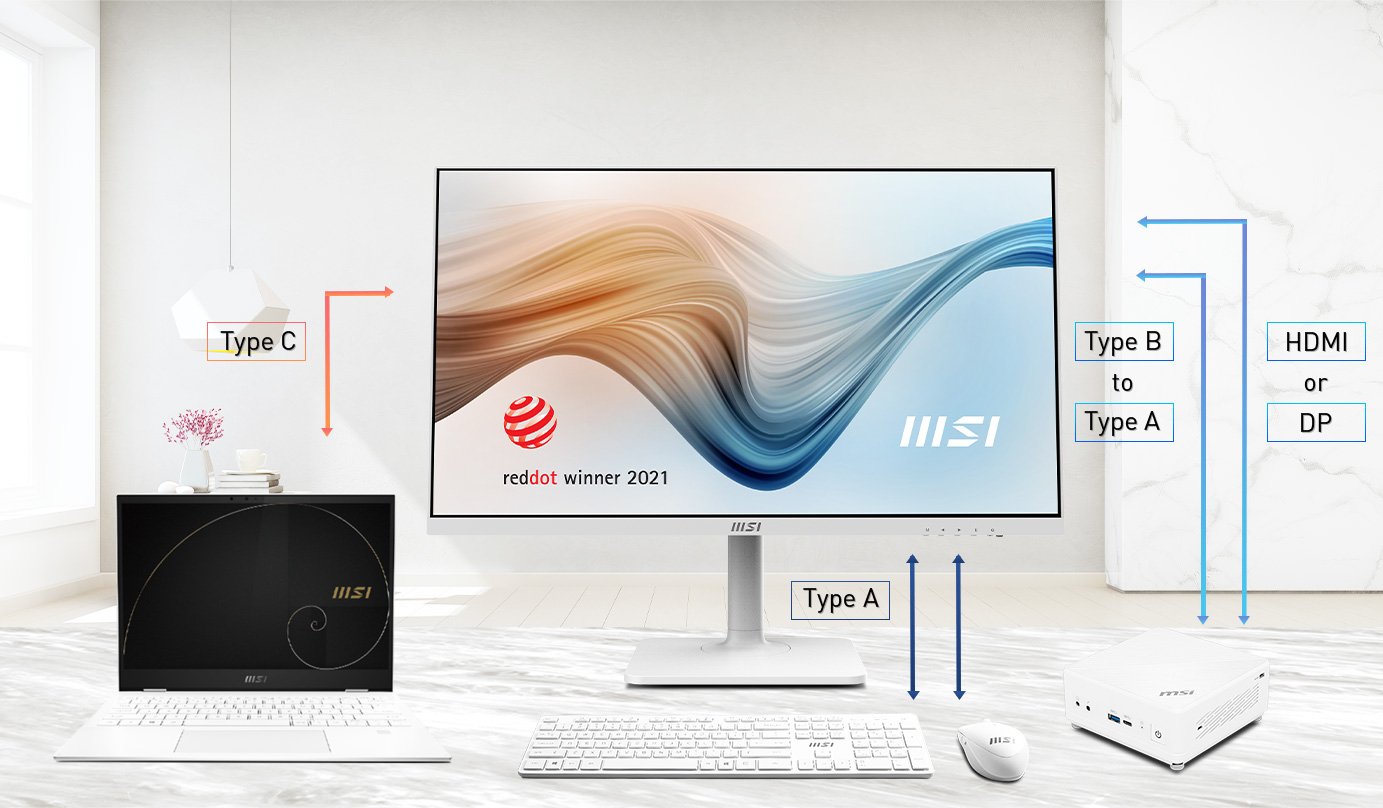
Increase the productivity while saving space and money by using one set of keyboard, monitor, and mouse to operate multiple computers.
Developed for well-being, the MSI EyesErgo with TÜV-certified Anti-Flicker, Less Blue Light PRO technologies, anti-glare panel, and Eye-Q Check system help protect your eyes.
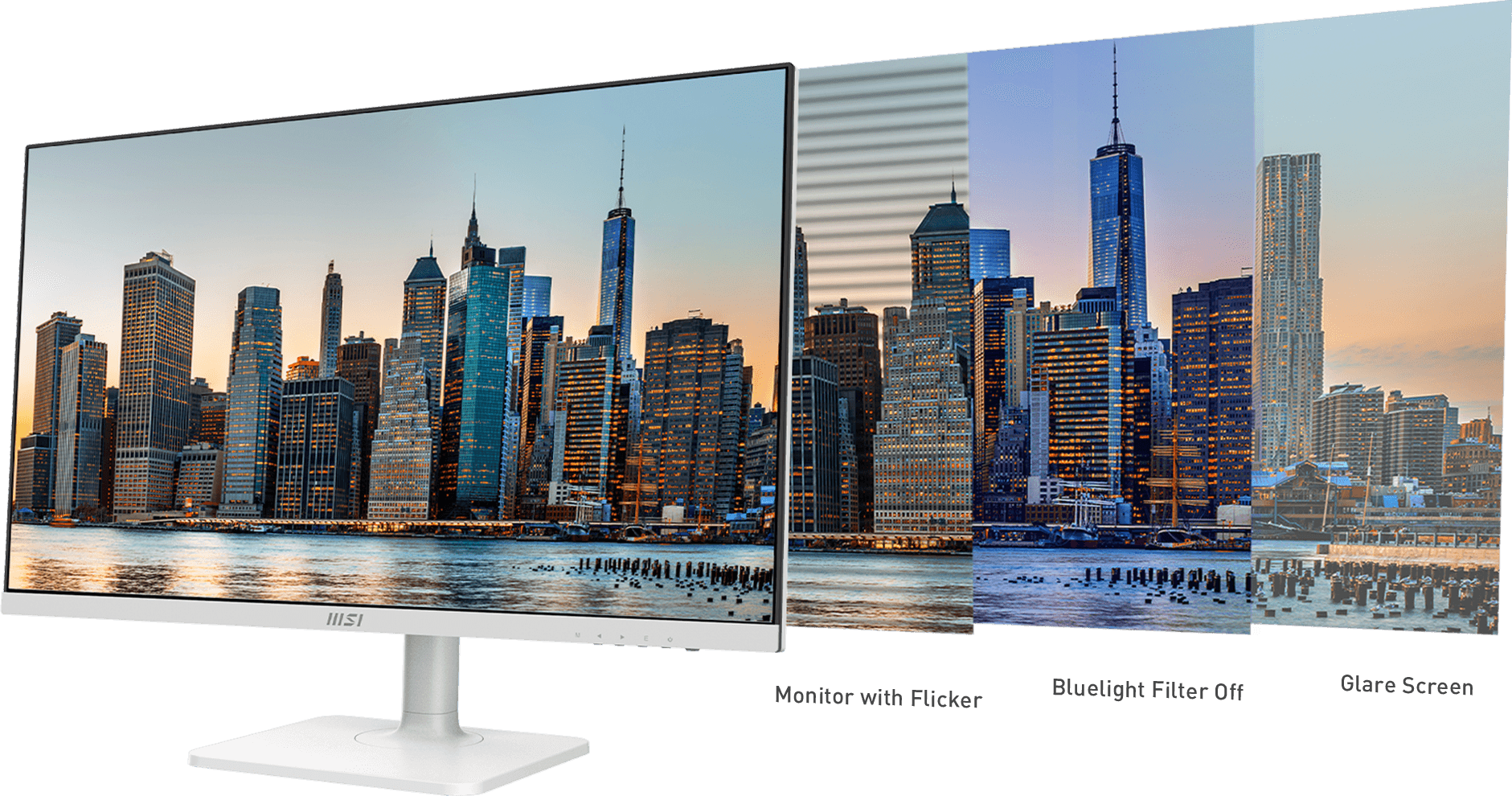
Provide eye fatigue-reducing hardware and software solutions.
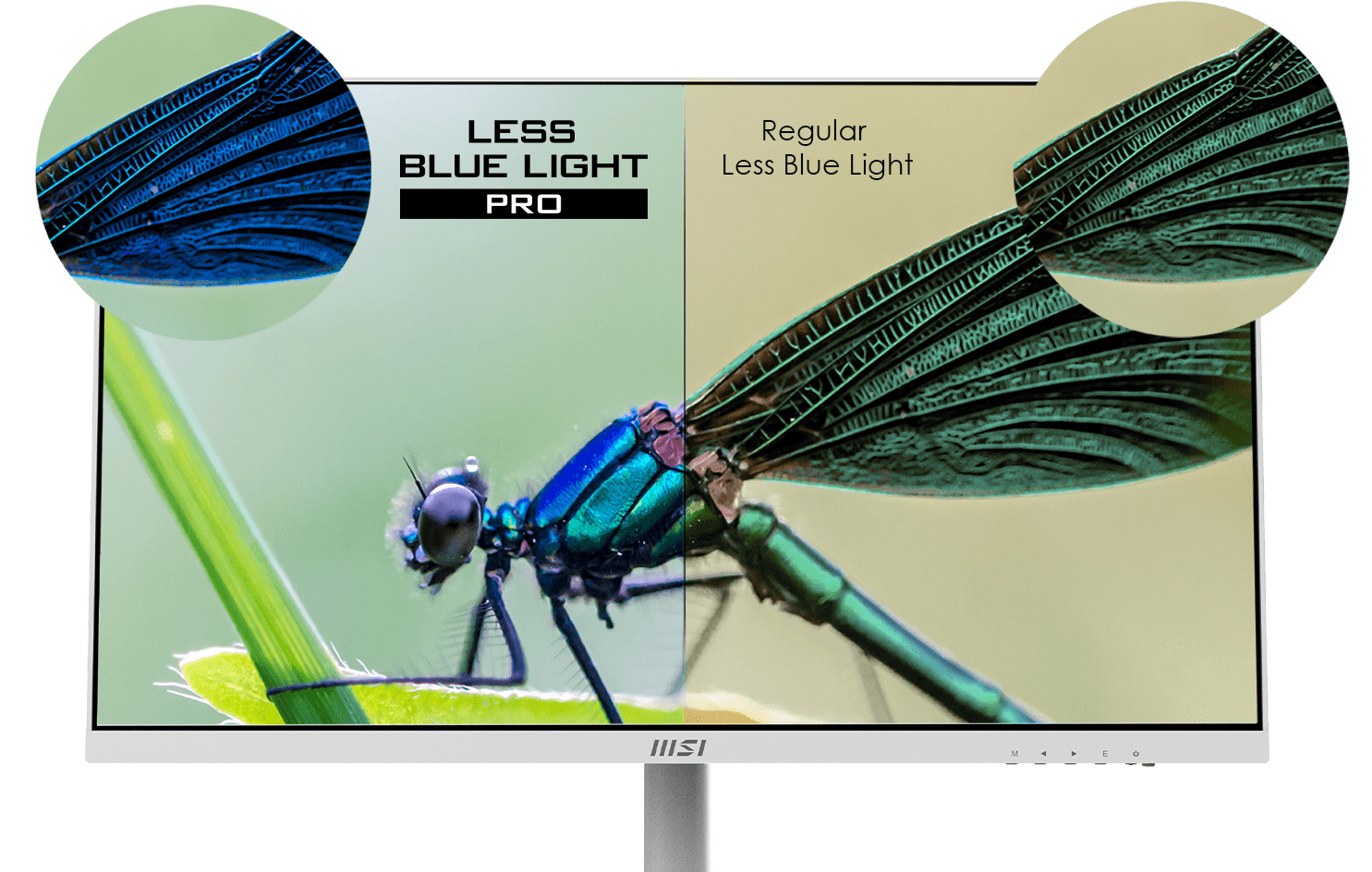
The Less Blue Light PRO utilizes hardware filter base technology that protects your eyes while maintaining vivid colors and detailed visuals.

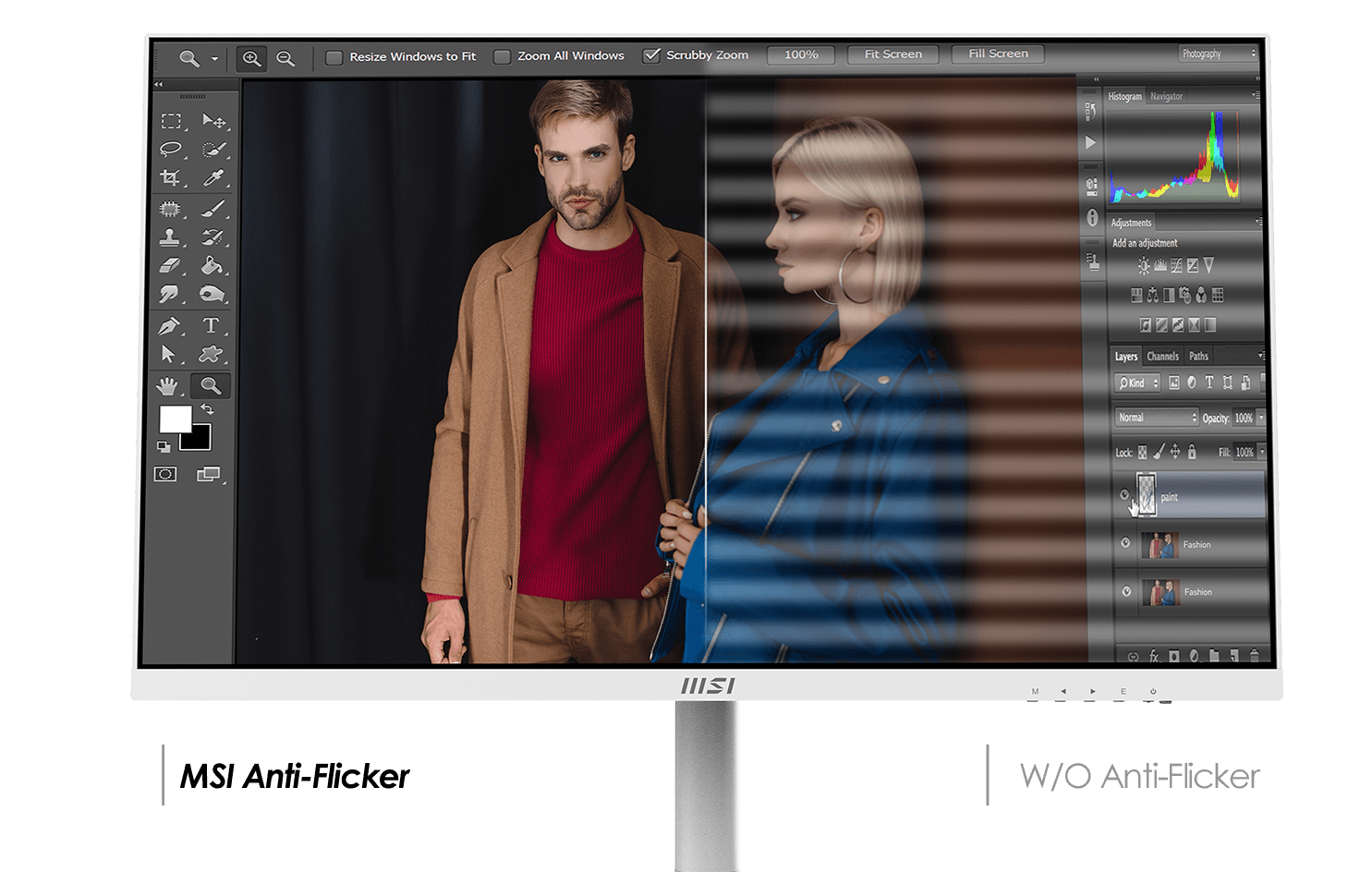
The Anti-Flicker technology provides a stable output current for the monitor, which can help prevent dry eyes, eyestrain, and reduce the likelihood of needing reading glasses in the future.


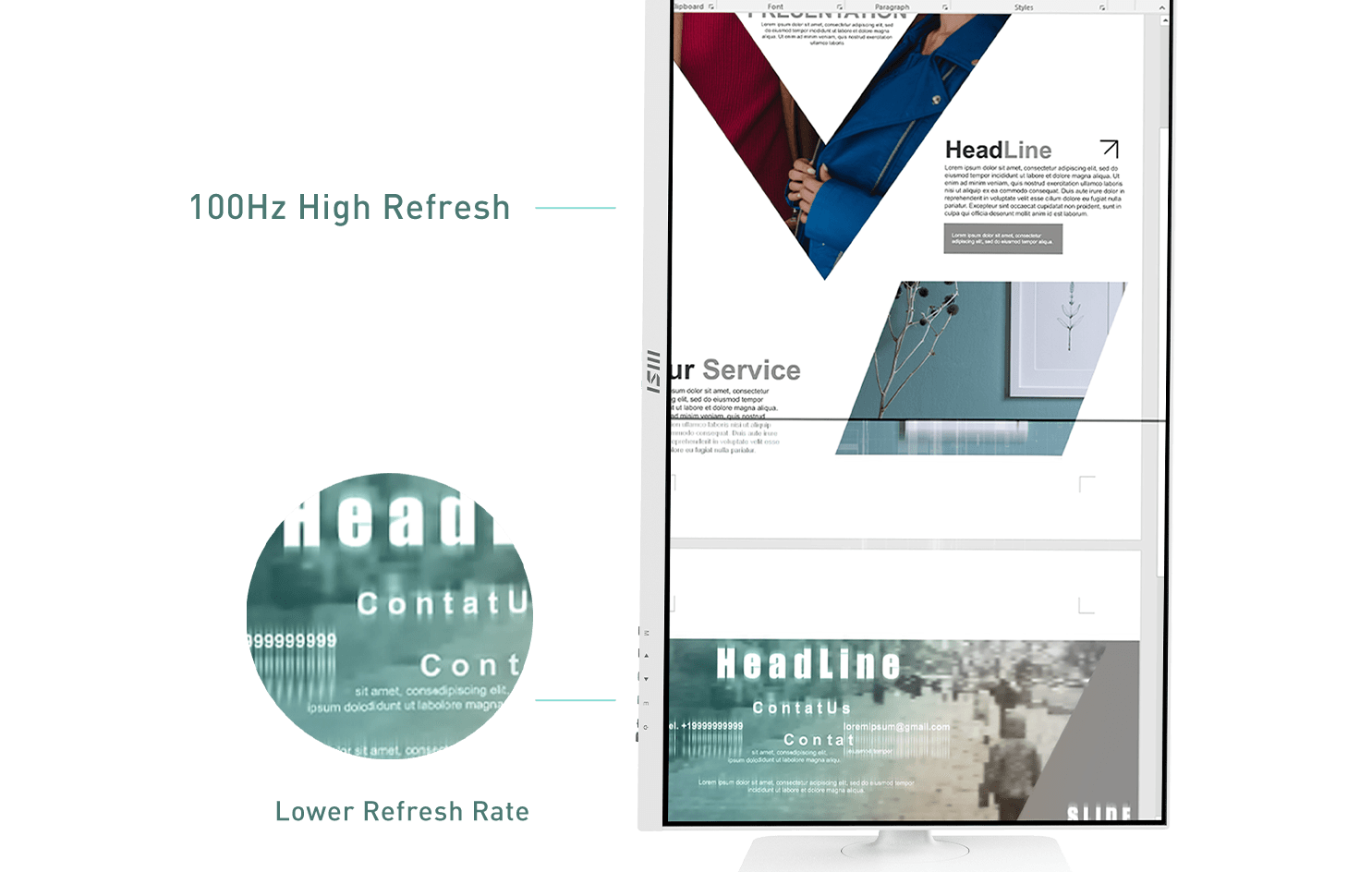
A high refresh rate can enhance the viewing experience and reduce strain on the eyes by displaying more images concurrently.
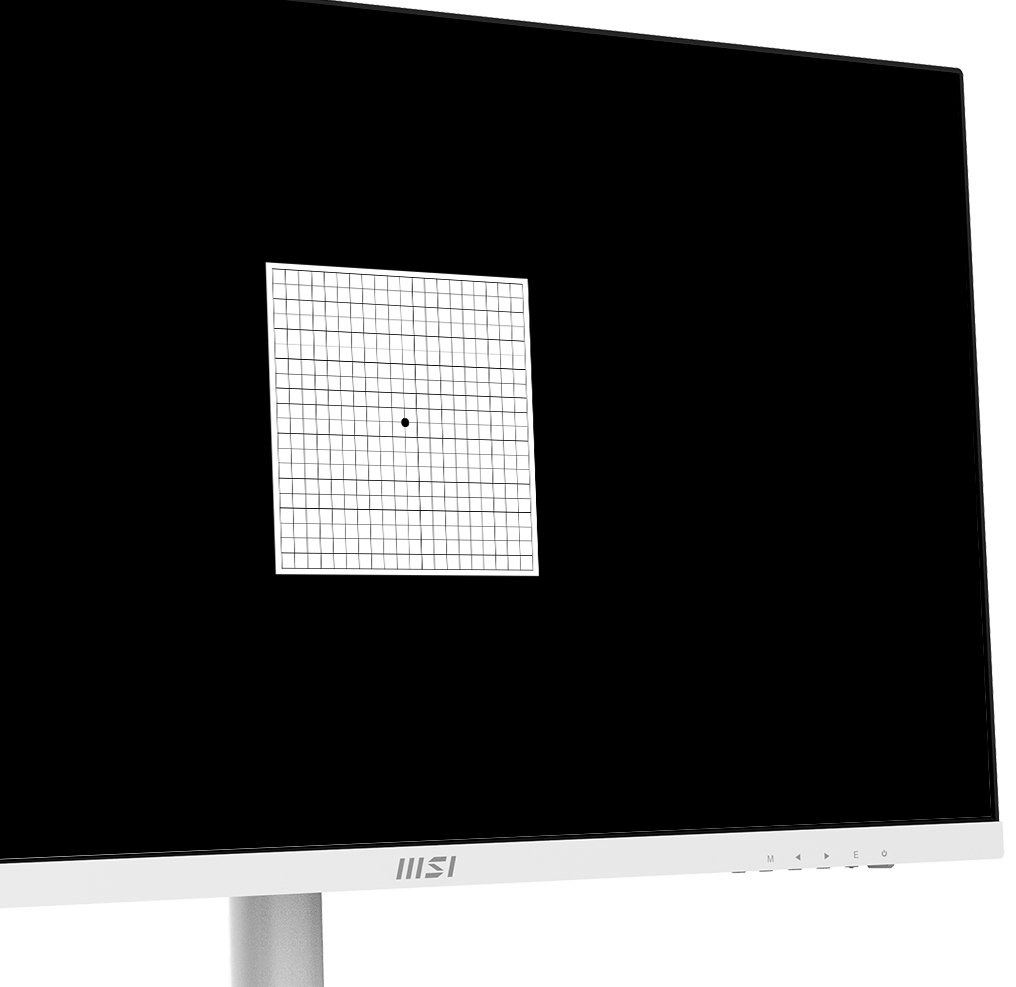
MSI recommends you to take a rest for 20 minutes if any of the lines in the grid appear wavy, blurred or distorted; or if some boxes in the grid don't look like a square or the same size.
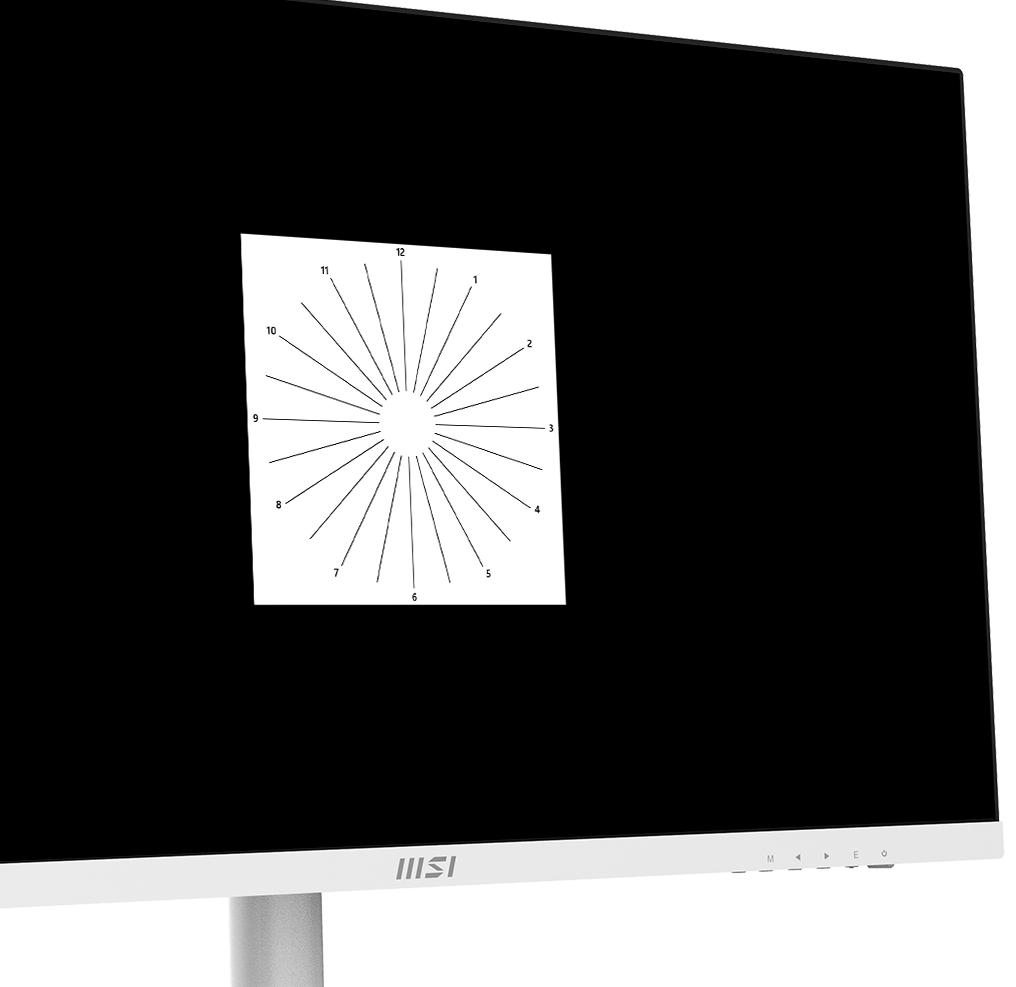
To test, cover your left eye with your left hand and look closely at the image, then do the same with your right eye. MSI recommends you to take a rest for 20 minutes if some lines appear greyer than others.
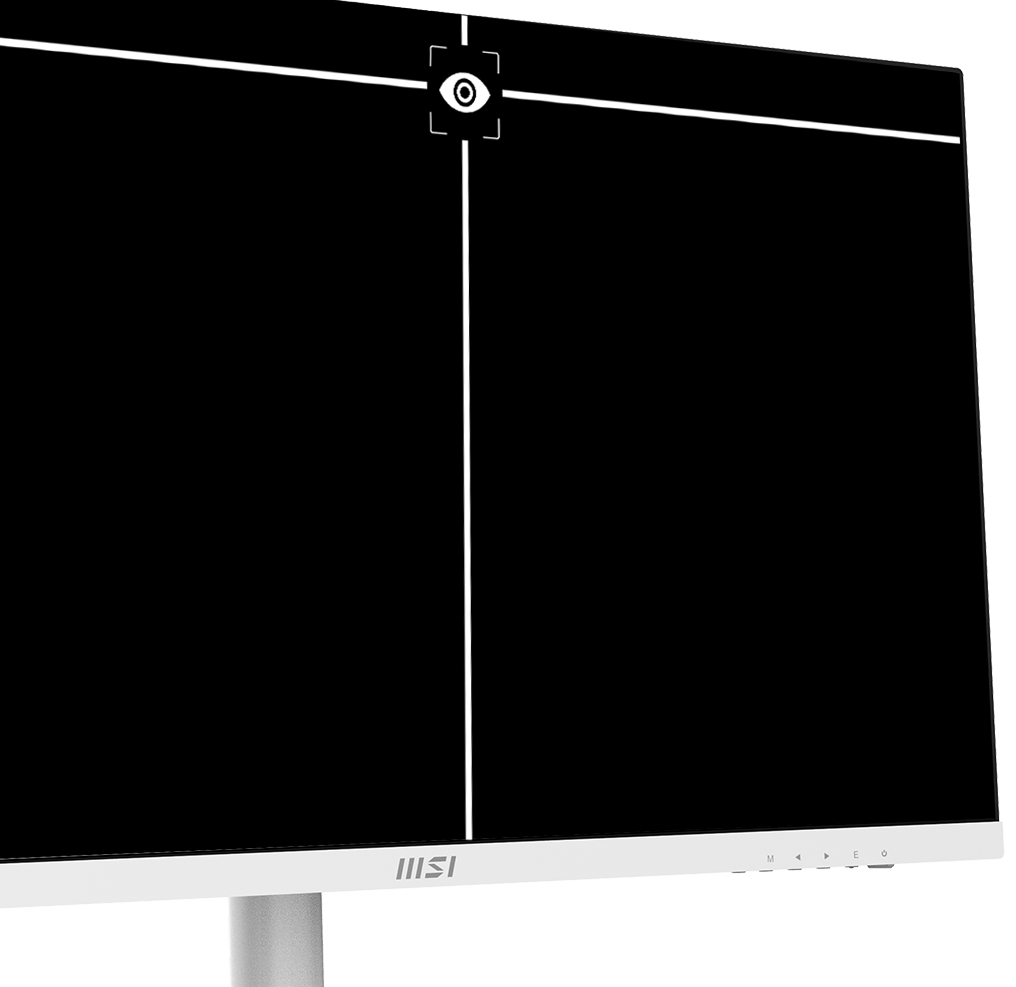
MSI recommends you to sit up straight and adjust your eye position to one-ninth of the top edge of the screen. A good sitting posture can effectively prevent neck and shoulder pain.
With 4 ways adjustable stand, you can always adjust the way you see and the way you work. Find the most comfortable position for yourself.
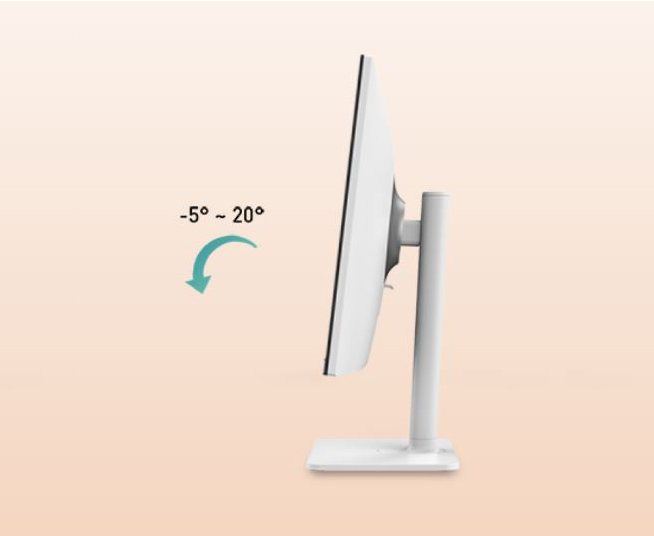
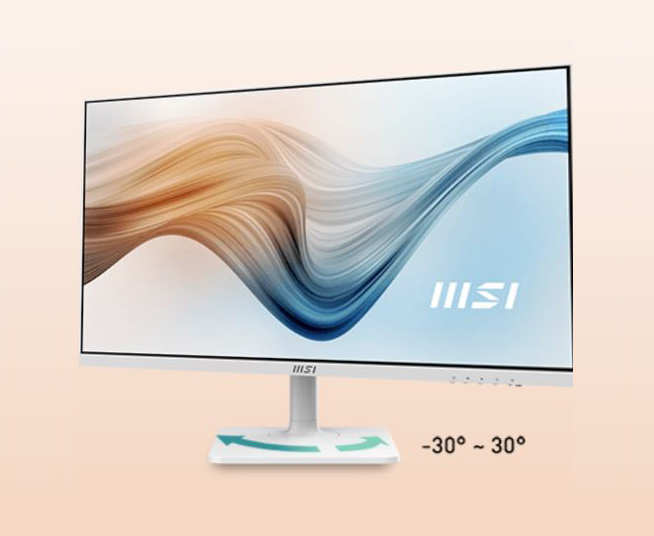
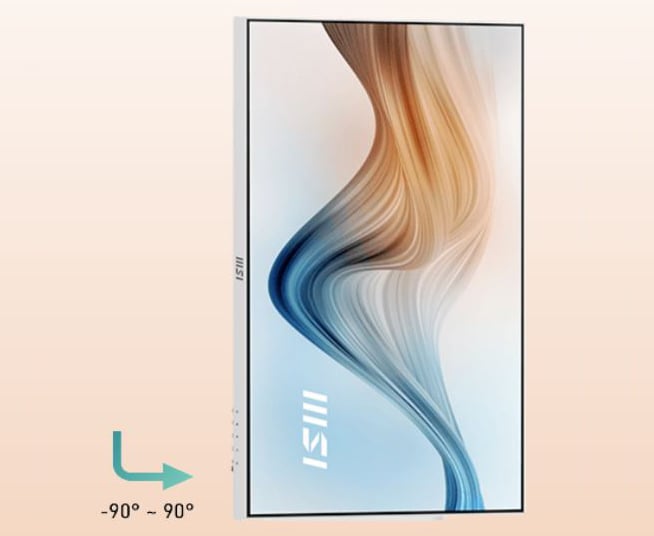
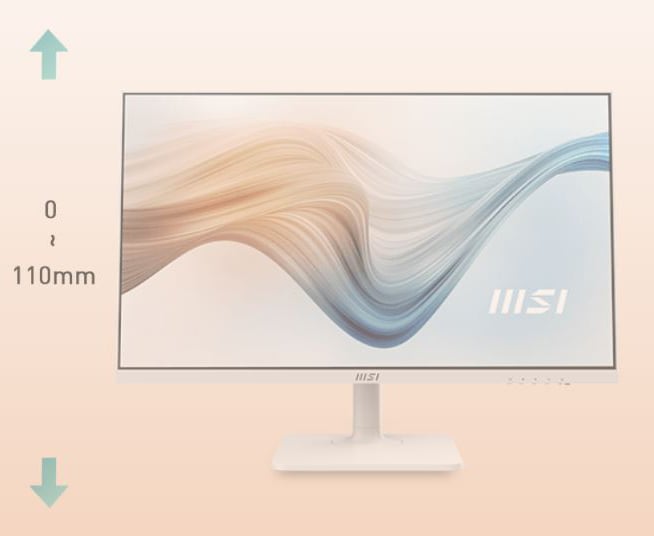
The Modern MD272X series has been ingeniously designed to provide a userfriendly-friendly experience that caters to the userfriendly's usage habits and methods.
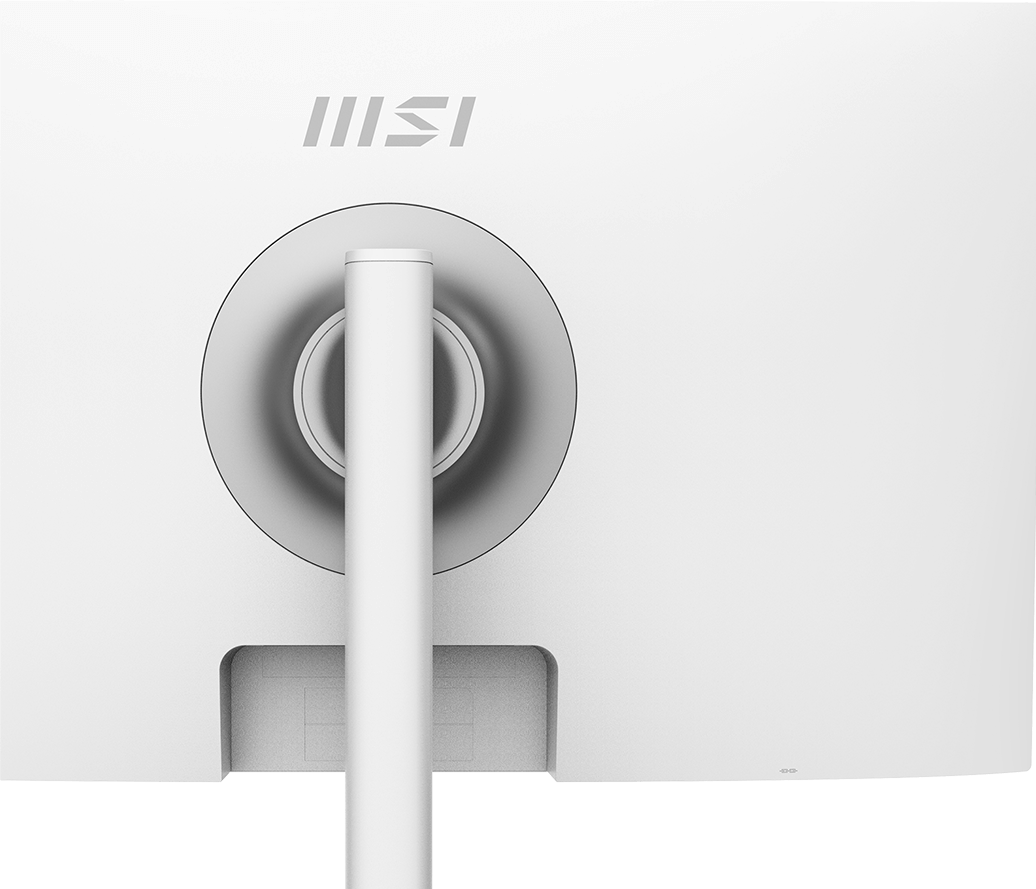
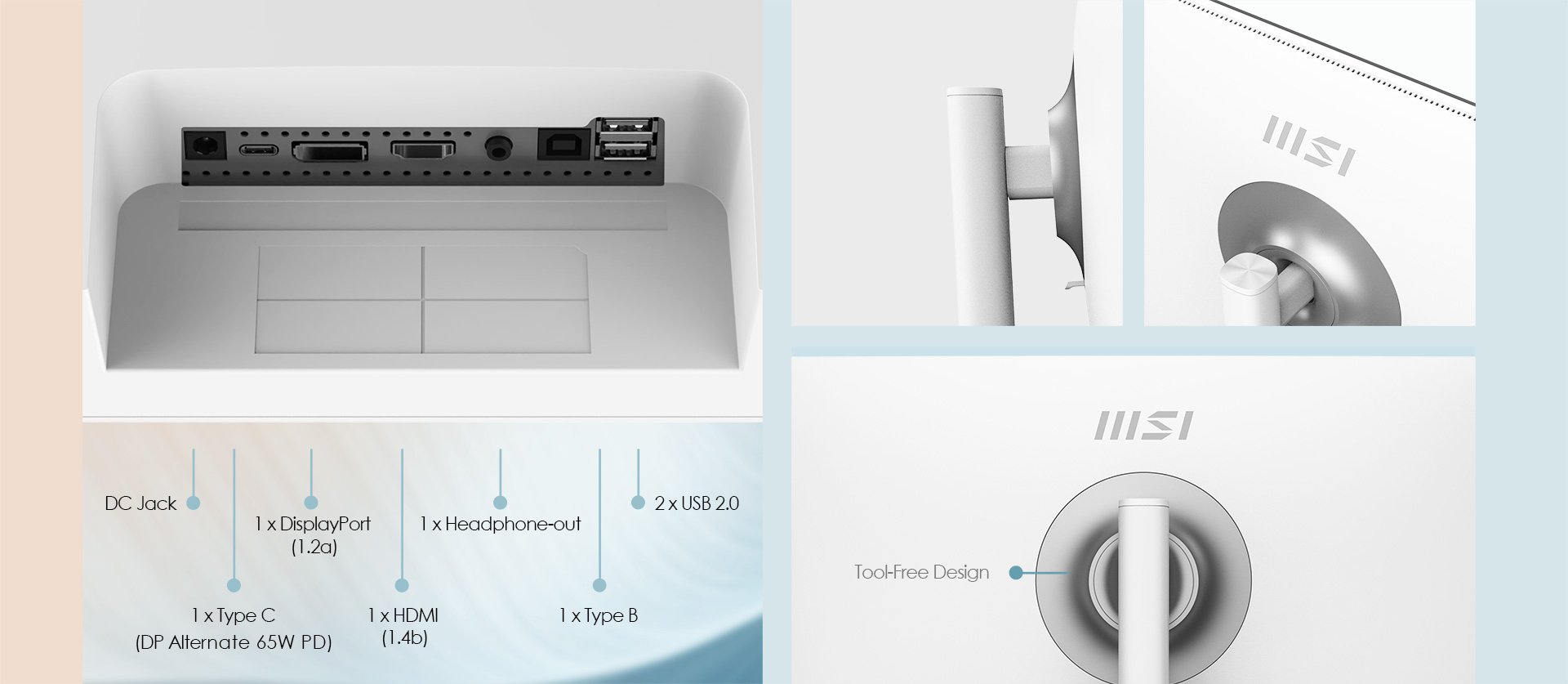
Built-in a reversible USB Type-C connection that supports 65W power delivery, as well as a DisplayPort and HDMI port. The Type C port enables easy connection, powering, and charging of your devices.
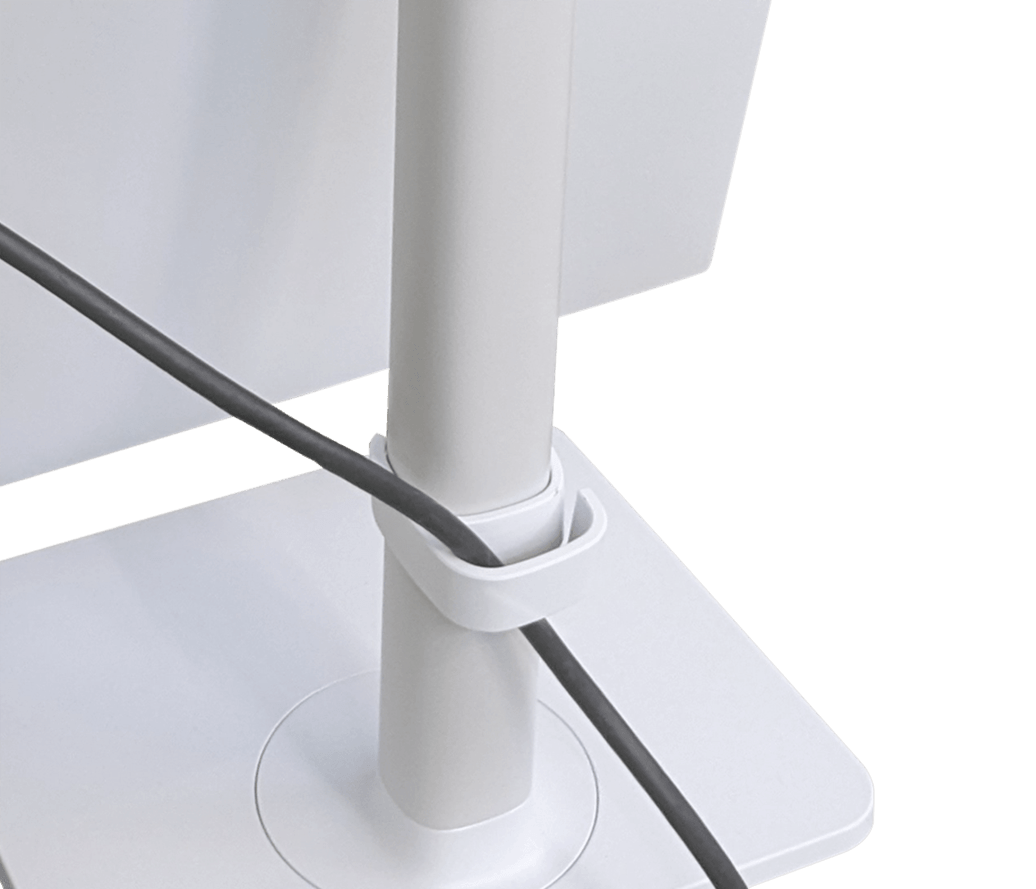
Experience a clean environment with a userfriendly-friendly cable management system that can be easily detached.
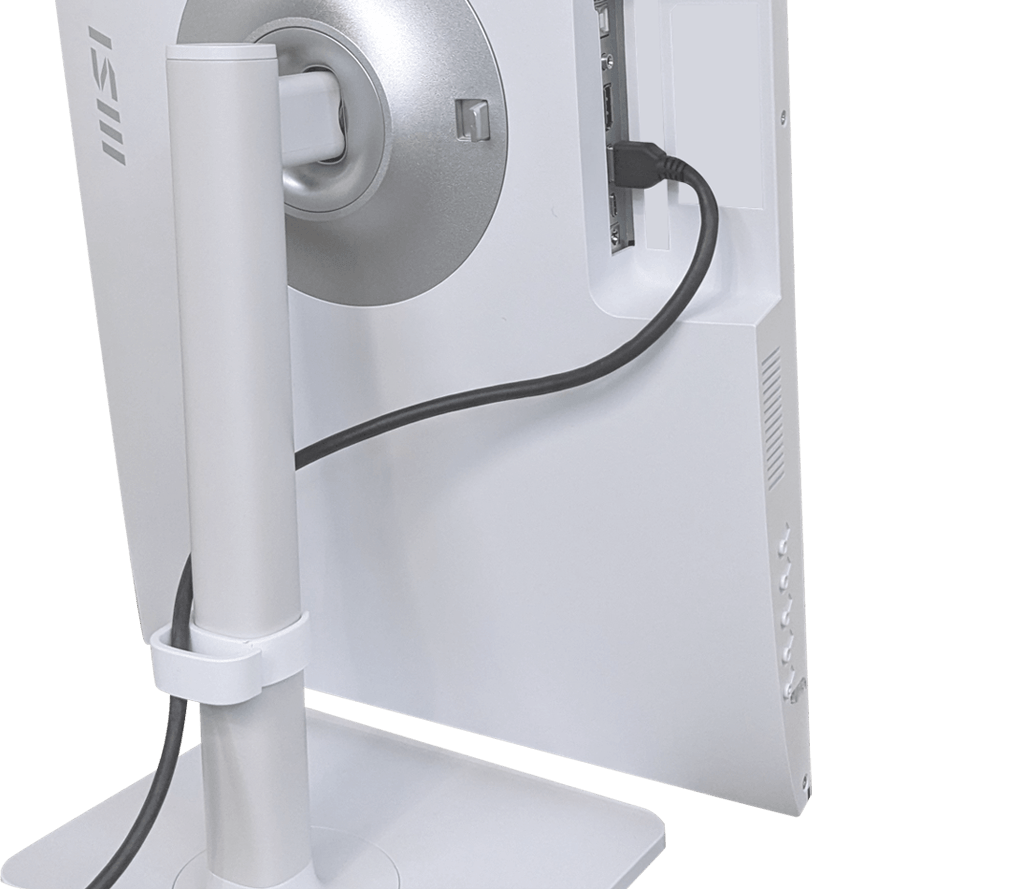
A simple trick to make cable connections easier is to rotate the screen by 90 degrees.
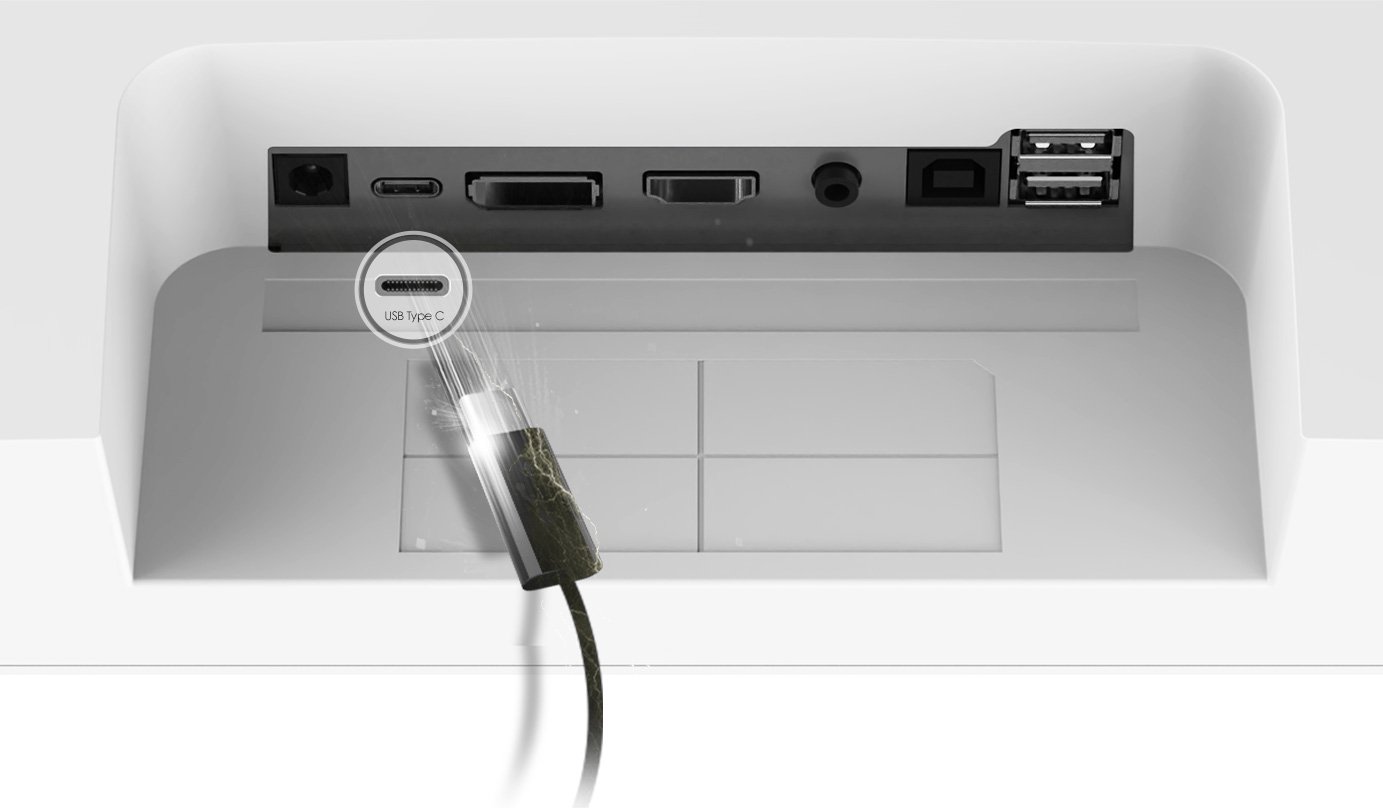
With a built-in USB Type-C connection and 65W power delivery feature, users can easily connect and charge their devices without any hassle.
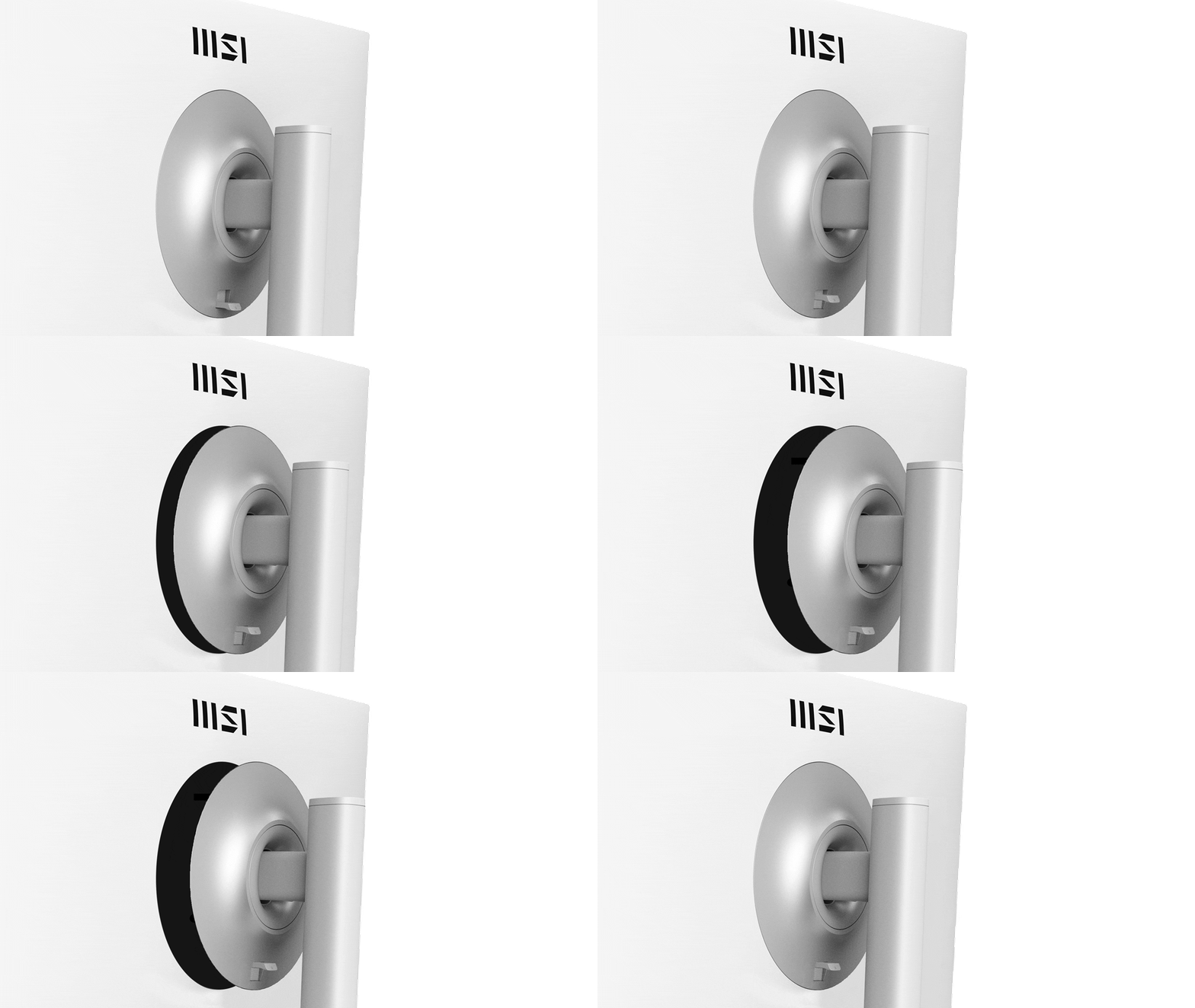
The Modern MD272X series monitors feature a tool-free assembly and disassembly design that offers both convenience and support for the VESA standard. Mounting the monitor on the wall at home or in the office is now faster and more user-friendly than ever before.
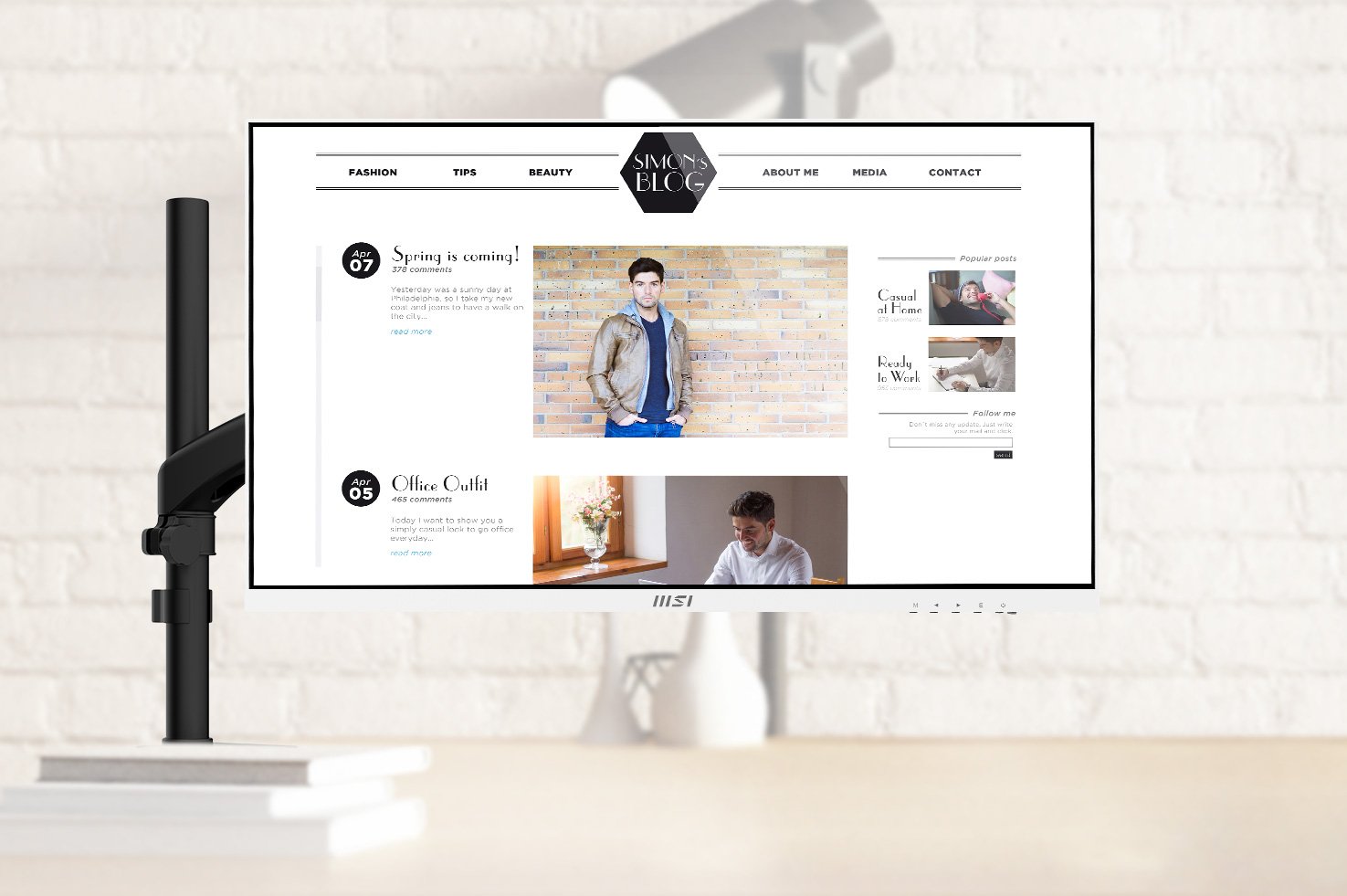
Experience organized cable management with the MSI MT81. With VESA standard support, users can easily share information and e-learning materials with your family at home or colleagues in the office.
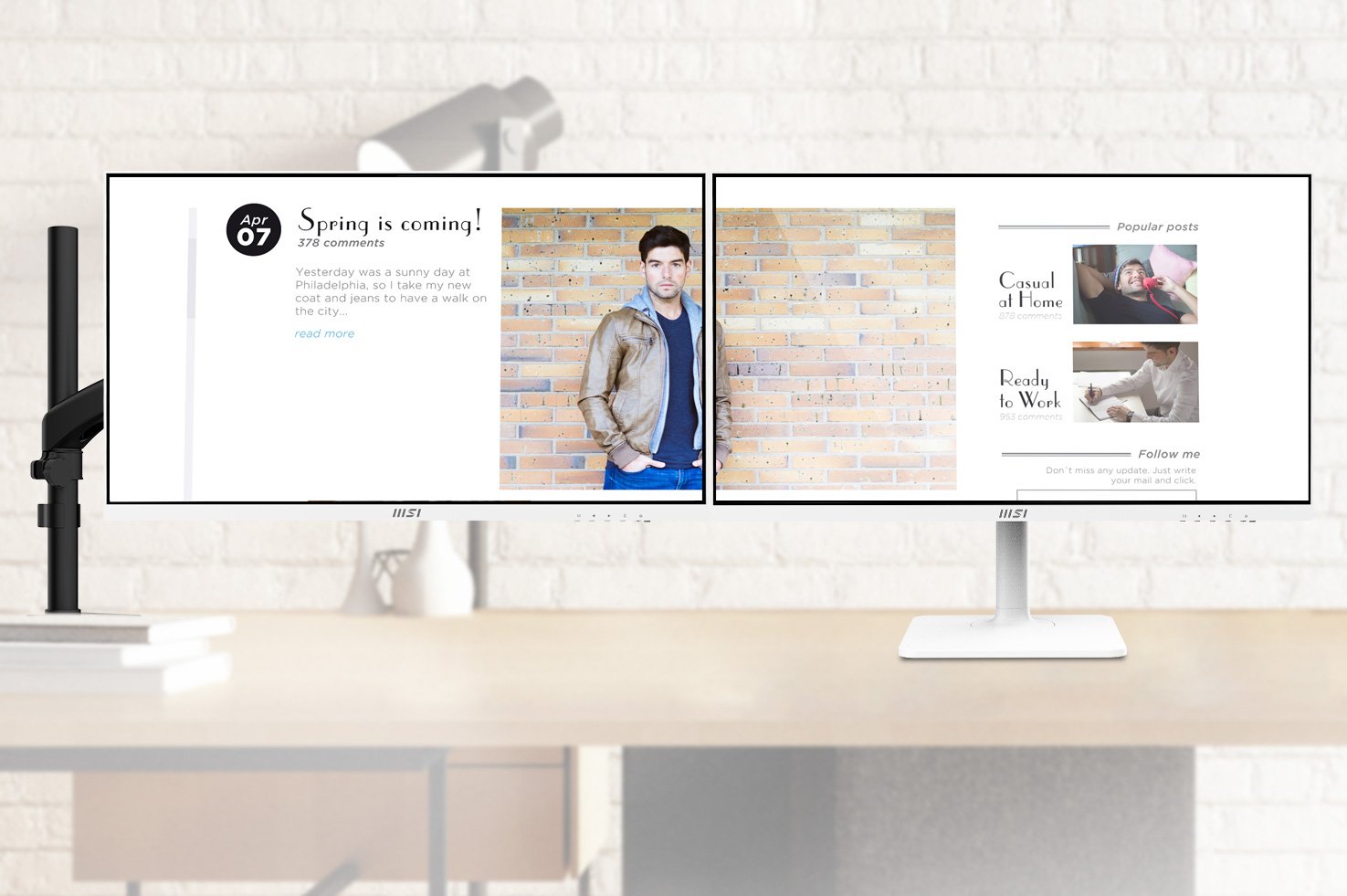
Experience the benefits of double screens and organized wiring with the MSI MT81. This device adheres to VESA standards, making it simple to distribute important information and educational materials effectively.
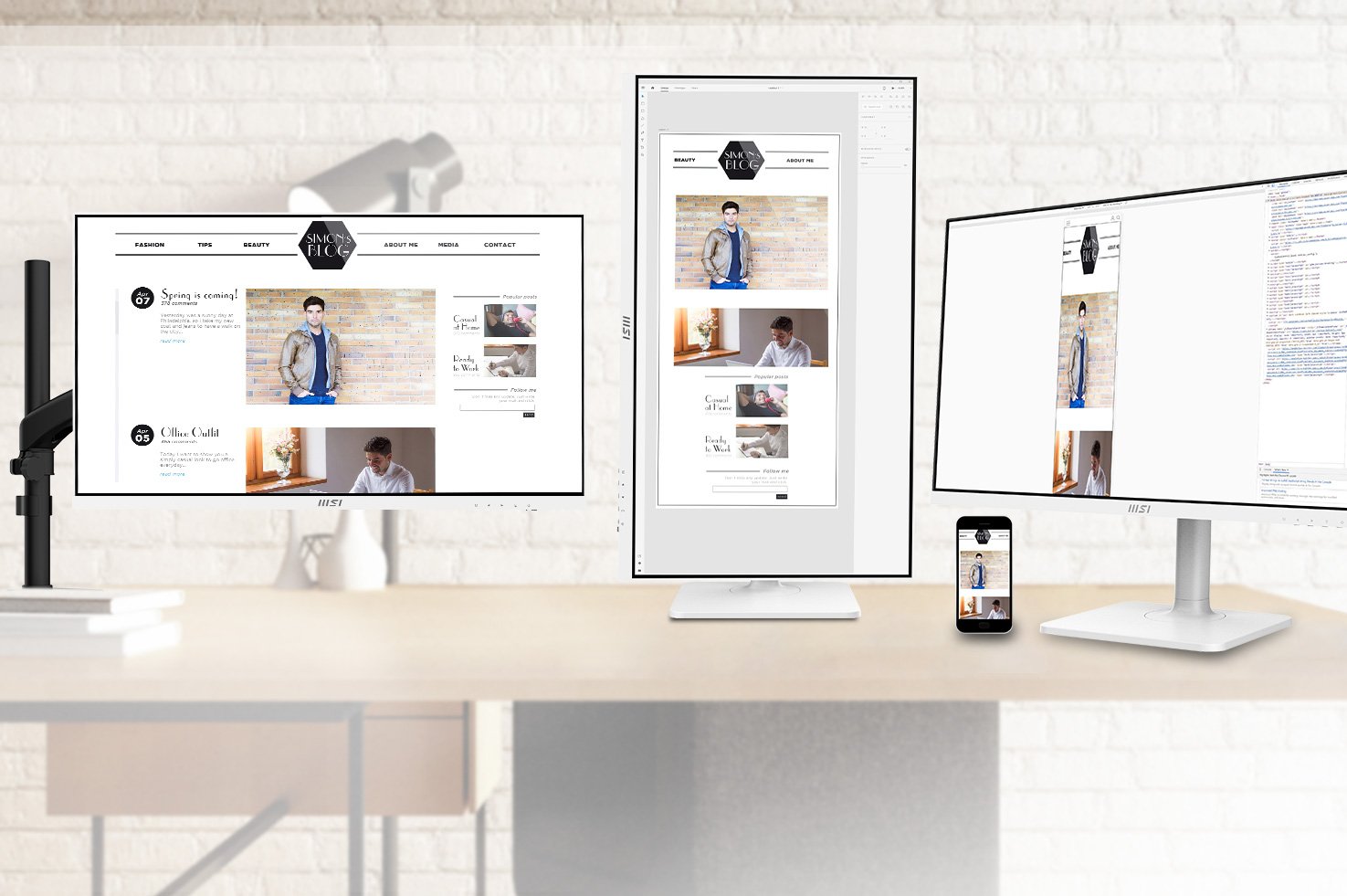
Experience a clutter-free cable setup with MSI MT81. This advanced product supports VESA standards and allows you to preview your E-Commerce or M-Commerce materials with triple displays.
Experience the benefits of HDR technology, which enhances contrast ranges, elevates brightness levels, and provides exceptional levels of detail.

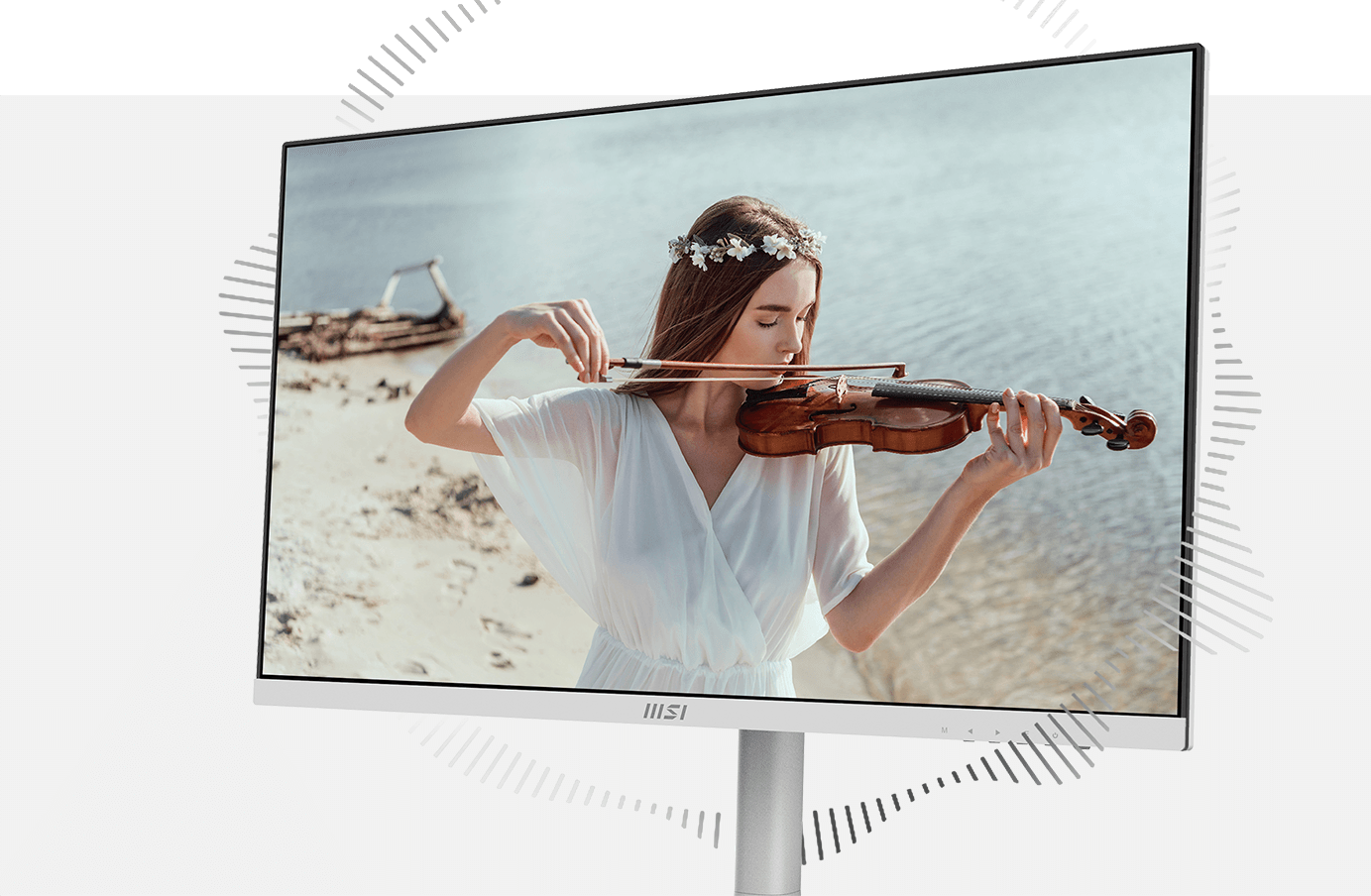
Thanks to its two built-in speakers, users can now effortlessly listen to audio files, attend online conferences, or edit videos without the need to carry an external speaker or wear headphones.
No reviews yet for this product.
No questions have been answered yet.
You might also love these hardware gear upgrades
Waking up the robots...
Fetching your gear.