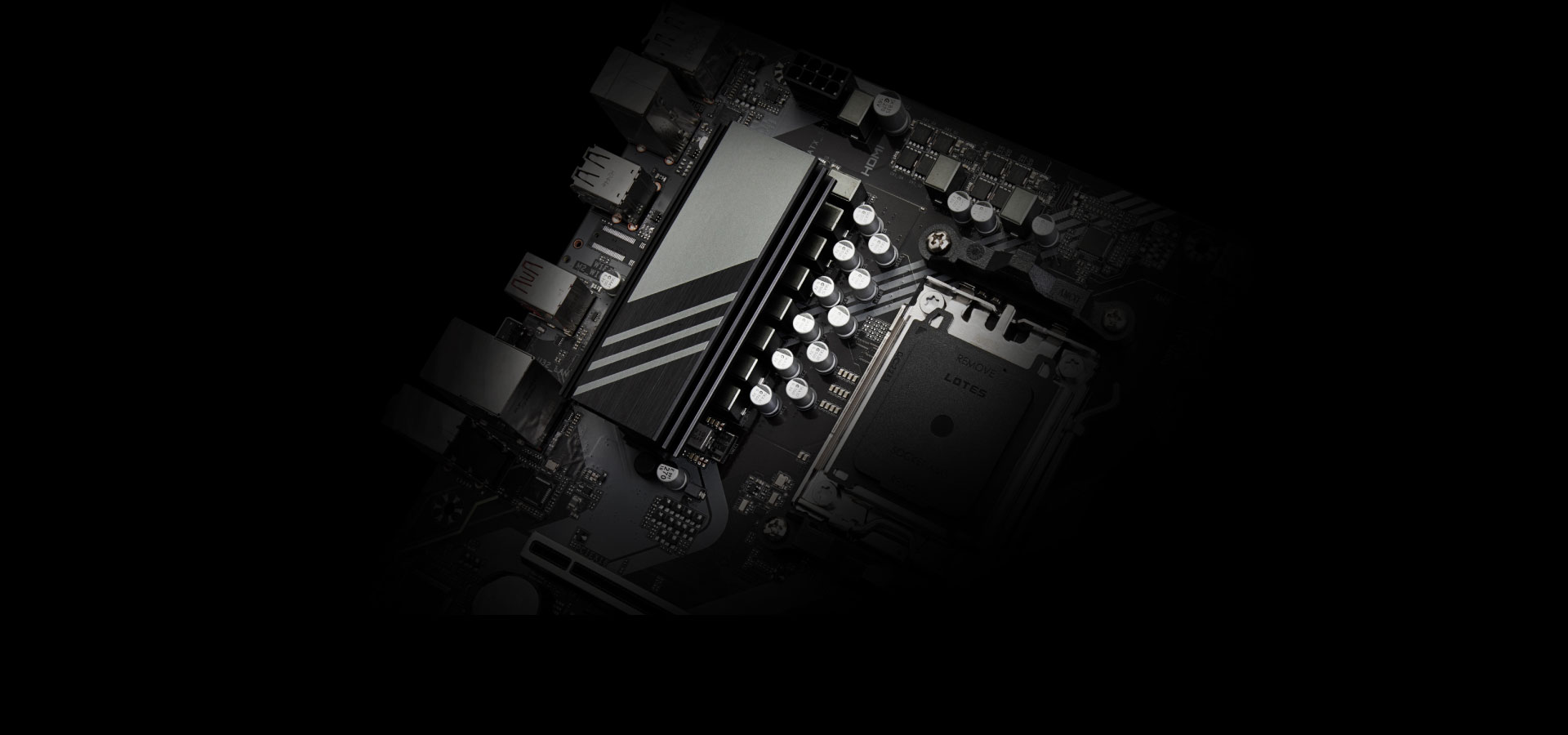
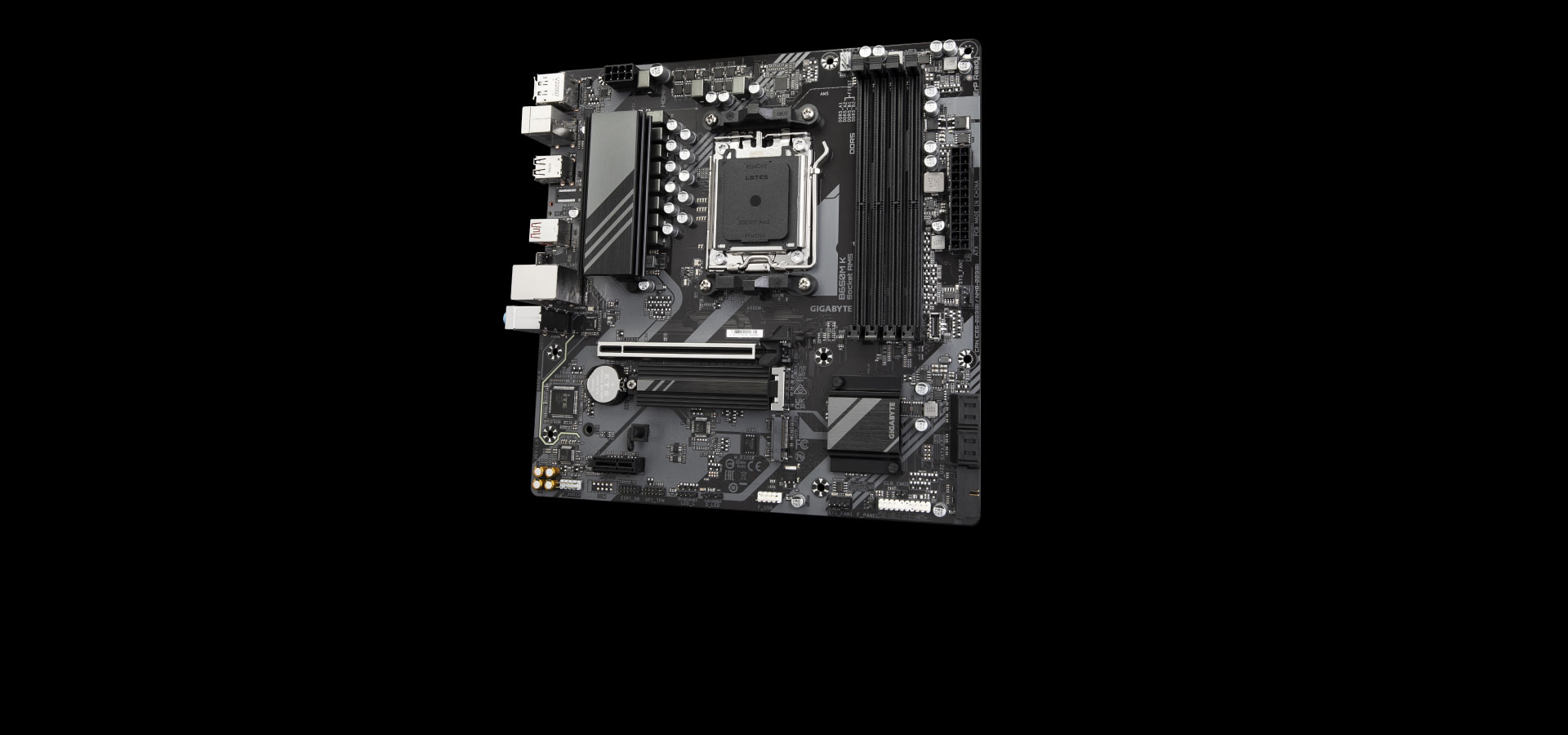
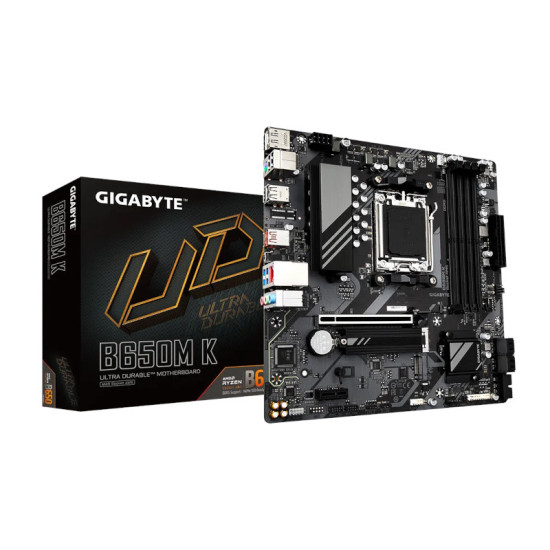
- Equipped with AMD's AM5 socket and B650 chipset, you can leverage a wide range of Ryzen 7000 Series processors, enhancing performance and responsiveness. Four dual-channel DDR5 RAM slots enable you to install up to 192GB of memory to enhance multitasking and rendering speeds. Install an array of storage drives for your games, files, and media assets with four SATA III and two M.2 PCIe interfaces.
- The B650M K also has one PCIe 4.0 x16 and one PCIe 3.0 x1 expansion slot so you can equip your system with various graphics and utility cards. Connect your low-powered peripherals such as mice, keyboards, and controllers to the B650M K with USB-A 2.0 ports while USB 3.2 Gen 1 and Gen 2 ports are reserved for resource-demanding devices such as external drives, audio interfaces, and more. Use the wired 2.5 Gigabit Ethernet port for a strong and reliable network connection, allowing you to quickly download assets, upload documents, and even enjoy some of your favorite streaming media.
Feature
- AMD Socket AM5:Supports AMD Ryzen™ 7000 Series Processors
- Unparalleled Performance:8+2+1 Phases Digital VRM Solution
- Dual Channel DDR5:4*SMD DIMMs with AMD EXPO™ & Intel® XMP Memory Module Support
- SuperSpeed Storage:2*PCIe 4.0 x4 M.2 Connectors
- Advanced Thermal Design & M.2 Thermal Guard:To Ensure VRM Power Stability & 25110 M.2 SSD Performance
- PCIe x16 EZ-Latch with Quick Release & Screwless Design
- Fast Networks:2.5GbE LAN
- Extended Connectivity:DP, HDMI, USB-C® 10Gb/s
- Smart Fan 6:Features Multiple Temperature Sensors, Hybrid Fan Headers with FAN STOP
- Q-Flash Plus:Update BIOS Without Installing the CPU, Memory and Graphics Card
Digital VRM Design
To ensure maximum Turbo Boost and overclocking performance of AMD's new generation CPU, GIGABYTE UD series motherboard equip the best VRM design ever built with the highest quality components.
PCIe 4.0 Hardware Design
GIGABYTE B650 Motherboards are ready to work with the PCIe 4.0 devices which are expected to experience twice bandwidth than the current PCIe 3.0 devices. To reach the high speed and maintain good signal integrity, GIGABYTE R&D uses the low impedance PCB to provide the maximum performance.
DDR5 EXPO & XMP Overclocking Up to 8000 and Beyond*
AORUS is offering a tested and proven platform that the memory overclocking capability is able up to 8000 and beyond. All users need to do for achieving this extreme memory performance boost is to ensure that their DDR5 memory modules are AMD EXPO™/ Intel® XMP capable, the EXPO/XMP function is activated and enabled on their AORUS motherboard.
SMART FAN 6
Smart Fan 6 contains several unique cooling features that ensure gaming PC maintain its performance while staying cool and quiet. Multiple fan headers can support PWM/DC fan and pump, and users can easily define each fan curve based on different temperature sensors across the board via intuitive user interface.
Cooling Features
-
High Current Support
Each fan headers support PWM and DC fan and Water Cooling Pump , and up to 24W (12V x 2A) with Over-Current Protection
-
Precision Control
Multiple temperature/fan speed control points for precise fan curve
-
Dual Curve Mode
Slope/Stair dual mode for different user scenario
-
Fan Stop
Fan can stop completely below users' specified temperature point
Smart Fan 6 BIOS UI
Improve fan curve UI
We increase control points from 5 to 7 and larger fan speed graph for precise and easier fan curve control.
Slope/Stair dual graph mode
Fan curve can be quickly switch with Slope and Stair modes for different user scenario. Slope is traditional and intuitive linear fan speed curve. With newly added Stair non-linear mode, fan keeps at same speed between specified temperature interval.
Manual Input
For advanced users, we provide fan speed manual input for more precise control.
EZ Tuning
Use can place 4 EZ Tuning points at rough temperature/fan speed, and Smart Fan 6 can quickly generate a fan curve.
Fan curve profile
Fan curve profile can be saved in BIOS ROM, profile will be kept after updating BIOS
UNPARALLELED PERFORMANCE
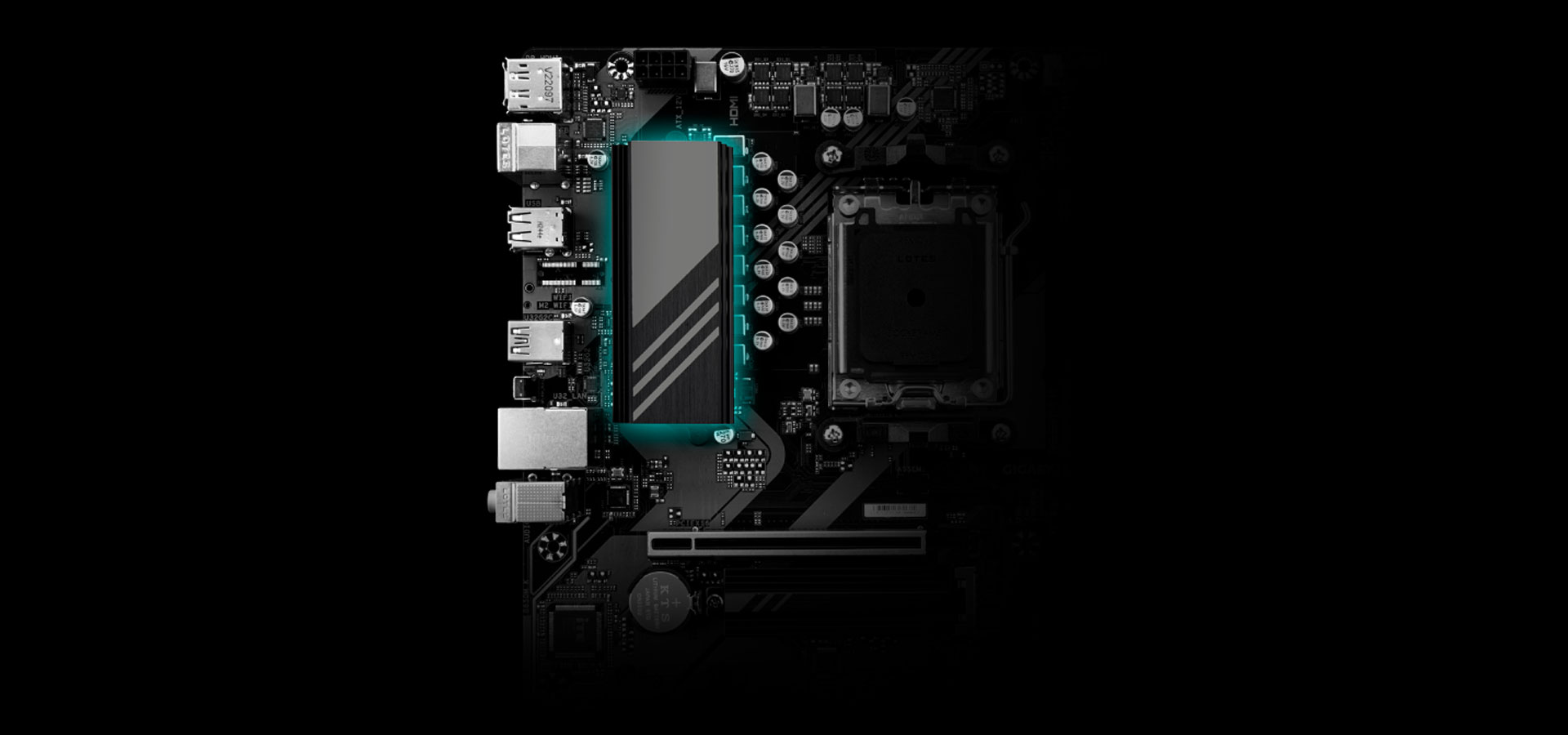
GIGABYTE Motherboards' unparalleled performance is guaranteed by innovative and optimized thermal design to ensure the best CPU, Chipset, SSD stability and low temperatures under full load application and gaming performance.
THERMAL DESIGN
GIGABYTE Motherboards' unparalleled performance is guaranteed by innovative and optimized thermal design to ensure the best CPU, Chipset, SSD stability and low temperatures under full load application and gaming performance.
CONNECTIVITY
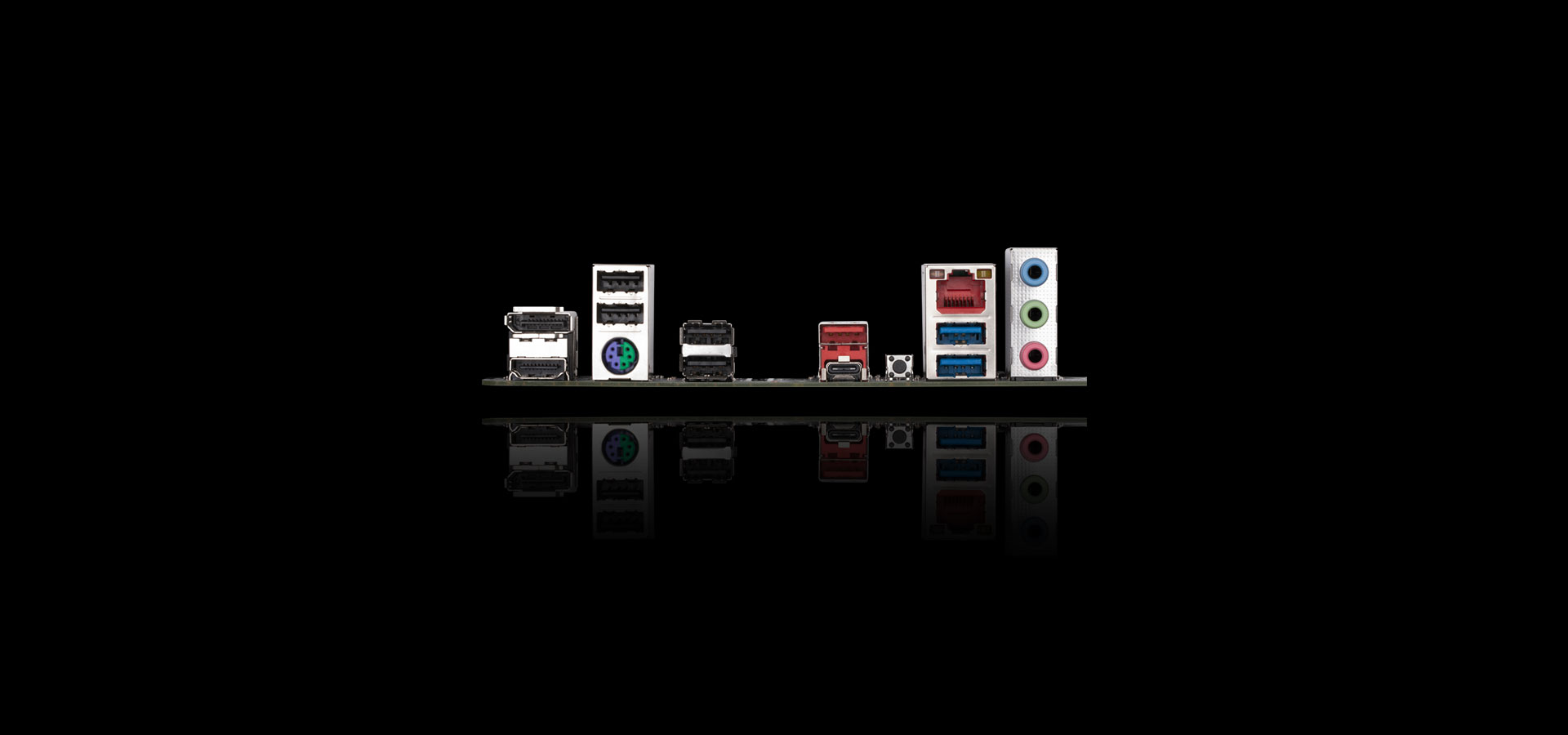
GIGABYTE Motherboards enable the ultimate connection experience with blazing data-transfer speeds through the next generation network, storage.
PERSONALIZATION
GIGABYTE motherboards bundle several useful and intuitive software to help users to control every aspect of motherboard and provide customizable lighting effect with outstanding aesthetics to fit your unique personality.
First adopter on 2.5GbE LAN onboard
2X Faster than ever
- Adoption of 2.5G LAN provide up to 2.5 GbE network connectivity, with at least 2 times faster transfer speeds compared to general 1GbE networking, perfectly designed for gamers with ultimate online gaming experience.
- Support Multi-Gig(10/100/1000/2500Mbps) RJ-45 Ethernet
Connecting the Future - USB Type-C®
The USB Type-C with front USB 3.2 Gen 1 and rear USB 3.2 Gen 2 ports provide with speeds up to 5Gbps & 10Gbps . With doubled bandwidth compared to the previous generation as well as backward compatibility with USB 2.0, the improved USB protocol is available now over the new reversible USB Type-C™ and the traditional USB Type-A connector for better compatibility over a wider range of devices
High-End Audio Capacitors
AORUS motherboards use high-end audio capacitors. These high quality capacitors help deliver high resolution and high fidelity audio to provide the most realistic sound effects for gamers.
Audio Noise Guard
AORUS motherboards feature an audio noise guard that essentially separates the board’s sensitive analog audio components from potential noise pollution at the PCB level.
Twin Digital VRM design leverages 8 VCORE phases to ensure electrical throughput that can handle AMD's Ryzen 7000 Series processors as well as various overclocking parameters. EXPO and XMP overclocking boosts RAM up to 6400 MHz for enhanced multitasking and rendering performance.
Friendly User Interface
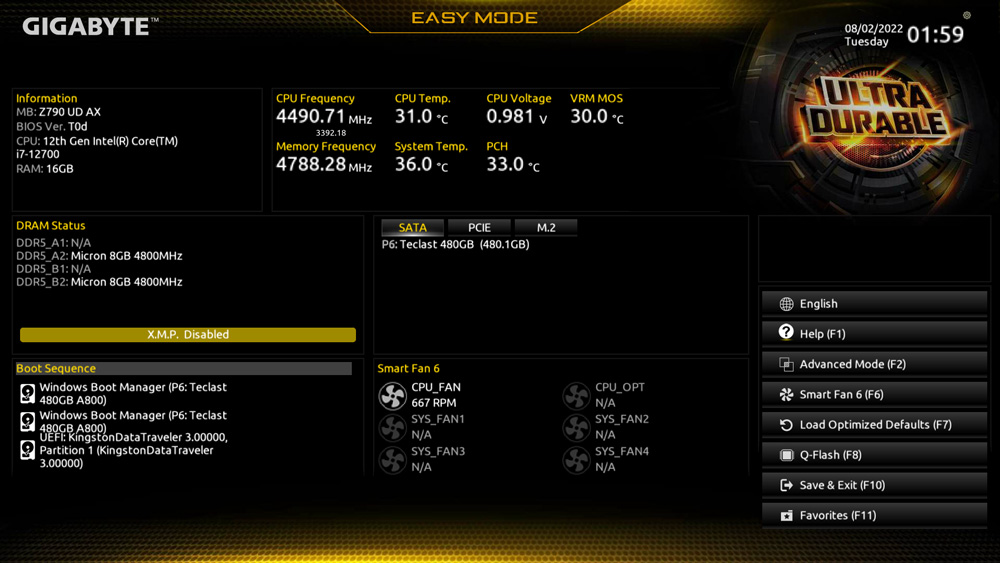
The EASY MODE shows important hardware information in one page including CPU clock, Memory, Storage, Fan.
My Favorites
Add constantly used items into the favorite menu for quick access.
Storage Information
Show all kinds of storage information including SATA, PCIE and M.2 interface.
Changelog
List all changes before saving and exiting bios. Quickly review overall settings modification.
Intuitive Load Line Curve
Clearly show each loadline calibration setting in an intuitive curve graph.
GIGABYTE CONTROL CENTER (GCC) is a unified software for all GIGABYTE supported products. It provides newly designed intuitive user interface to control all essential function.
- Unified software platform for all Gigabyte supported products
- Intuitive user interface for an eased experience
- Modularized control components only for installed hardware
- Auto update function to keep system up to date and support future products
Multi-key
A multi-function reset pin headers that can be reconfigured to other function in BIOS for different user scenarios.

-
RGB Switch
Turn off all lighting effect on motherboard.
-
Direct-To-BIOS
Boot into BIOS menu directly without pressing any keyboard button.
-
Safe Mode
Boot into BIOS safe mode to change specific option without losing other BIOS settings.
PCIe EZ-Latch
Unlock the latch of the PCIe slot easily when remove the graphics card in the PCIe slot.
Q-Flash Plus
Update the BIOS easily without installing the CPU, memory and graphics card.
With GIGABYTE Q-Flash Plus, you don't need to install the CPU, memory and graphics card nor enter the BIOS menu to flash the BIOS. Just download and save a new BIOS file (rename to gigabyte.bin) on the USB flash drive, then press the dedicated Q-Flash Plus button and you’re good to go!
Designed to maintain thermal performance and prevent system throttling, the B650M K's advanced thermal heat sinks, VRM heat sink, M.2 Thermal Guard, and 6-layer 2x copper PCB work together to ensure that onboard components are safe under heavy loads. Smart Fan 6 application gives users the ability to monitor and operate connected fans to assist with cooling capabilities.
The back panel of the B650M K includes four USB-A 2.0 ports for low-powered devices such as mice, keyboards, and controllers. You also get two USB-A 3.2 Gen 1 and one USB-A 3.2 Gen 2 port, giving you up to 5 and 10 Gb/s data transfer speeds, respectfully, allowing you to connect external drives, audio interfaces, and more with ease. You also get two USB-C 3.2 Gen 2 ports with one located on the back panel and the other for the front panel, both covering a wide range of device utility complete with 10 Gb/s data transfer speeds.
With an array of RGB headers, you can use GIGABYTE's RGB Fusion and Control Center software to customize your rig with a wide range of colors and lighting effects, turning your rig into the centerpiece of your gaming room. UEFI BIOS settings can be easily accessed and allow you to fine-tune your performance profile according to your needs. A multi-key function reset button can be reconfigured to other functions within the BIOS to meet different user scenarios such as acting as an RGB switch, boot directly to BIOS, and enable Safe Mode.
Sporting an easy DIY design, the B650M K provides you with several enhancements that make the installation of components a breeze. PCIe EZ-Latch provides quick access to your M.2 storage drives and Q-Flash Plus enables you to update the BIOS settings with only a few power cables, RAM, and processor.